
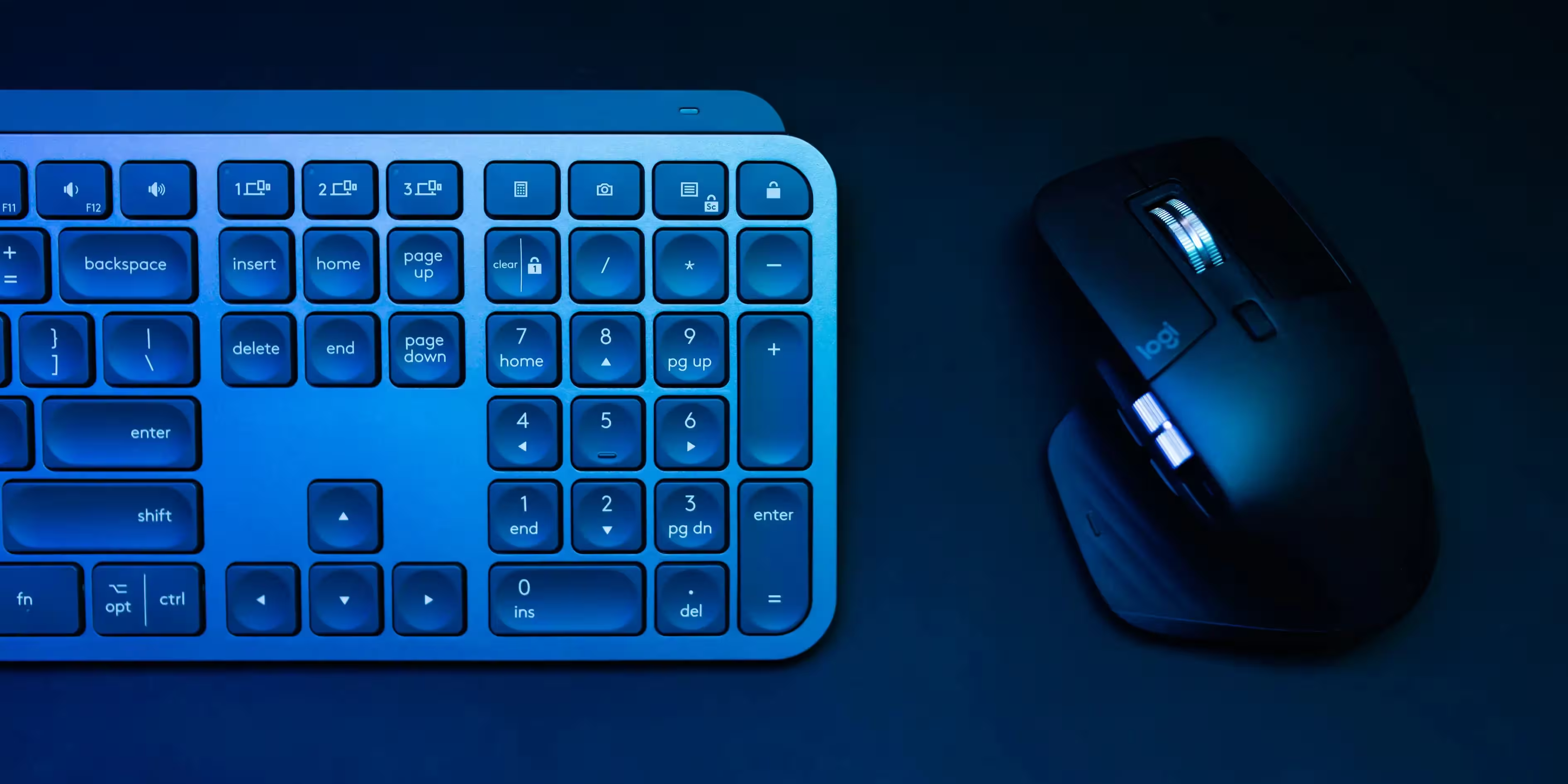
We’ve curated the ultimate list of Best Keyboards to meet your every need. In this guide, you’ll find top recommendations tailored for various preferences and use cases. If you’re searching for the best keyboard for iPad Pro, we’ve highlighted wireless and Bluetooth-supported options. For work-focused users, explore our picks for the best wireless keyboard for work, and for those on a budget, check out cheap keyboard and cheap mechanical keyboard and gaming keyboard alternatives.
Gamers will appreciate our detailed suggestions for the best mechanical keyboard for gaming, while those seeking portability can explore mechanical wireless keyboard models and compact designs like the best mechanical keyboard mini. For tablet users, we’ve included the best Bluetooth keyboard for iPad options, and Android enthusiasts can upgrade their experience with our top Android keyboard recommendations.
Whether you’re looking for affordability, premium features, or specific compatibility, this guide has you covered. Explore our top picks to find the perfect keyboard for your setup and typing needs!
Best Keyboards for Everybody
Finding the best keyboard depends on your specific requirements, such as gaming, typing, portability, or budget. Here are some standout options in the market:

Best Mechanical Keyboard
Mechanical keyboards are renowned for their tactile feedback, durability, and customization options. For gaming or work, the best mechanical keyboards offer features like RGB lighting, programmable keys, and robust build quality.
SteelSeries Apex Pro
SteelSeries Apex Pro is a high-end mechanical gaming keyboard celebrated for its innovative features and exceptional performance. Known for its customizability and premium design, it has become a favorite among gamers and professionals alike. Below, we explore the pros and cons of this keyboard in detail.
Advantages of the SteelSeries Apex Pro
- Adjustable Actuation Points
- Premium Build Quality
- Vibrant RGB Lighting
- Integrated OLED Display
- Comfortable Wrist Rest
- Comprehensive Software Integration
- Excellent Typing and Gaming Performance
Adjustable Actuation Points
One of the standout features of the Apex Pro is its OmniPoint switches, which allow users to adjust the actuation point for each key. This level of customization is rare in the keyboard market and provides a significant advantage for gamers and typists. Gamers can set keys to respond with a light touch for rapid inputs, while typists might prefer a deeper actuation for accuracy.
Premium Build Quality
The Best keyboard boasts an aircraft-grade aluminum frame, ensuring durability and a sleek, professional appearance. The materials feel robust, making the Apex Pro a long-lasting investment.
Vibrant RGB Lighting
The Apex Pro features per-key RGB lighting with deep customization options via the SteelSeries Engine software. The lighting is vibrant and smooth, offering a variety of effects and profiles that can be tailored to personal preferences or synced with other SteelSeries devices.
Integrated OLED Display
An integrated OLED Smart Display adds a unique touch, allowing users to display information such as in-game stats, profiles, or custom graphics directly on the keyboard. This feature enhances convenience and adds to the keyboard’s futuristic appeal.
Comfortable Wrist Rest
The detachable magnetic wrist rest provides additional comfort for long gaming or working sessions. Its soft-touch finish feels pleasant and supports the wrists effectively.
Comprehensive Software Integration
The SteelSeries Engine software is intuitive and powerful. Users can easily customize lighting, key bindings, and actuation points, as well as create macros for various tasks. The software also supports cloud synchronization, allowing settings to be accessed across multiple devices.
Excellent Typing and Gaming Performance
The Apex Pro delivers an exceptional typing and gaming experience. The keys are smooth, responsive, and consistent, catering to both high-speed gaming and long typing sessions.
Disadvantages of the SteelSeries Apex Pro
- High Price Point
- Limited Compatibility of OmniPoint Switches
- Bulky Design
- Potential Software Reliance
- Lack of Wireless Connectivity
- Expensive Replacement Parts
High Price Point
The Apex Pro is undoubtedly a premium keyboard, but its price reflects that. It might not be suitable for budget-conscious buyers, as it sits in the higher price range for mechanical keyboards.
Limited Compatibility of OmniPoint Switches
While the adjustable actuation points are a highlight, this feature is only available for the main alphanumeric keys. The other keys use standard mechanical switches, which might be a downside for those looking for a fully customizable experience.
Bulky Design
The best keyboard’s size and the addition of a wrist rest make it relatively large, which might not be ideal for those with limited desk space. Its weight also makes it less portable compared to smaller, more compact keyboards.
Potential Software Reliance
Although the SteelSeries Engine software is user-friendly, some users might find it inconvenient to rely on software for accessing the full range of features. Additionally, occasional software glitches could hinder the experience.
Lack of Wireless Connectivity
In an era where wireless peripherals are gaining popularity, the lack of a wireless option for the Apex Pro might disappoint users who prioritize cable-free setups.
Expensive Replacement Parts
Should any components, such as keycaps or the wrist rest, need replacement, the costs can be higher than average due to the keyboard’s premium nature.
The SteelSeries Apex Pro stands out as one of the most advanced mechanical gaming keyboards on the market, offering unparalleled customization and performance. Its innovative features, such as adjustable actuation points and an OLED display, cater to gamers and professionals seeking a high-performance keyboard. However, its high price point and reliance on software might deter some users.
Overall, the Apex Pro is an excellent choice for those who value premium quality and cutting-edge technology, provided the price and size align with their needs.
Keychron K8
The Keychron K8 is a popular wireless mechanical keyboard designed for versatility, catering to both productivity and gaming needs. With a sleek design, wireless functionality, and robust build, it has earned a dedicated following. Below, we delve into the pros and cons of the Keychron K8 in detail.
Advantages of the Keychron K8
- Wireless and Wired Modes
- Cross-Platform Compatibility
- Compact TKL Layout
- Excellent Battery Life
- Hot-Swappable Option
- Wide Switch Options
- RGB Lighting
- Solid Build Quality
- Affordable Price
Wireless and Wired Modes
The Keychron K8 supports both Bluetooth and USB-C wired connections, offering flexibility for users. Its Bluetooth 5.1 connectivity allows pairing with up to three devices, making it convenient for multitasking across different devices such as laptops, tablets, and smartphones.
Cross-Platform Compatibility
This best keyboard is compatible with multiple operating systems, including Windows, macOS, and Linux. It includes extra keycaps for both macOS and Windows layouts, ensuring a seamless experience regardless of the platform.
Compact TKL Layout
The tenkeyless (TKL) layout strikes a balance between functionality and space-saving design. It provides all the essential keys without the bulk of a full-sized keyboard, making it ideal for smaller desks or portable setups.
Excellent Battery Life
Equipped with a 4,000mAh battery, the Keychron K8 offers impressive battery life. It can last up to 72 hours of typing with the backlight on or several weeks with the backlight off, making it suitable for extended use without frequent charging.
Hot-Swappable Option
The hot-swappable version of the Keychron K8 allows users to easily replace switches without soldering, offering a high level of customization. This feature is particularly appealing to enthusiasts who want to experiment with different switch types.
Wide Switch Options
The K8 is available with various switch types, including Gateron Red, Blue, and Brown, catering to different preferences for typing feel and actuation force. Users can choose the switch type that best suits their needs.
RGB Lighting
The Best keyboard K8 features vibrant RGB lighting with multiple effects and brightness levels. Users can customize the lighting to match their setup or mood, enhancing the keyboard’s aesthetic appeal.
Solid Build Quality
With its aluminum frame option and sturdy plastic construction, the Keychron K8 feels durable and well-made. The keyboard exudes quality and reliability, making it a long-term investment.
Affordable Price
Compared to other mechanical keyboards with similar features, the Keychron K8 is reasonably priced, offering excellent value for money without compromising on quality or functionality.
Disadvantages of the Keychron K8
- Slightly High Profile
- Limited Customization for RGB
- Average Keycaps
- Bluetooth Latency
- Lack of Dedicated Software
- Non-Removable Battery
- Limited Adjustable Feet
- Conclusion
Slightly High Profile
The Best keyboard K8 has a higher profile than some keyboards, which might require a wrist rest for ergonomic typing. Without proper wrist support, prolonged use could lead to discomfort for some users.
Limited Customization for RGB
While the RGB lighting is vibrant, the customization options are somewhat limited compared to high-end gaming keyboards. Users seeking extensive lighting personalization might find the K8 lacking.
Average Keycaps
The stock ABS keycaps are decent but may not satisfy enthusiasts looking for premium keycap materials like PBT. Over time, ABS keycaps are prone to wear and shine, which might detract from the keyboard’s appearance.
Bluetooth Latency
Although Bluetooth 5.1 provides stable connectivity, there can be slight latency compared to a wired connection. Gamers requiring ultra-low latency for competitive play might find this a disadvantage.
Lack of Dedicated Software
Unlike many premium keyboards, the Keychron K8 does not come with dedicated software for customizing macros, remapping keys, or fine-tuning RGB settings. This limitation may frustrate users accustomed to advanced software features.
Non-Removable Battery
The built-in battery is not user-replaceable, which could be an issue in the long term if the battery performance degrades.
Limited Adjustable Feet
The keyboard only offers two levels of adjustable feet for changing the typing angle. This might not provide enough flexibility for users who prefer highly customizable ergonomics.
Conclusion
The Keychron K8 is a versatile mechanical keyboard that excels in providing a balance of features at an affordable price. Its wireless and wired modes, cross-platform compatibility, and customizable options make it a strong contender for productivity and casual gaming. However, it does have limitations, such as Bluetooth latency, average keycaps, and lack of dedicated software.
Overall, the Keychron K8 is an excellent choice for users seeking a reliable and stylish best keyboard for daily use. It is especially appealing to those who value wireless functionality and hot-swappable switches. However, for hardcore gamers or enthusiasts, its limitations might warrant considering alternatives.
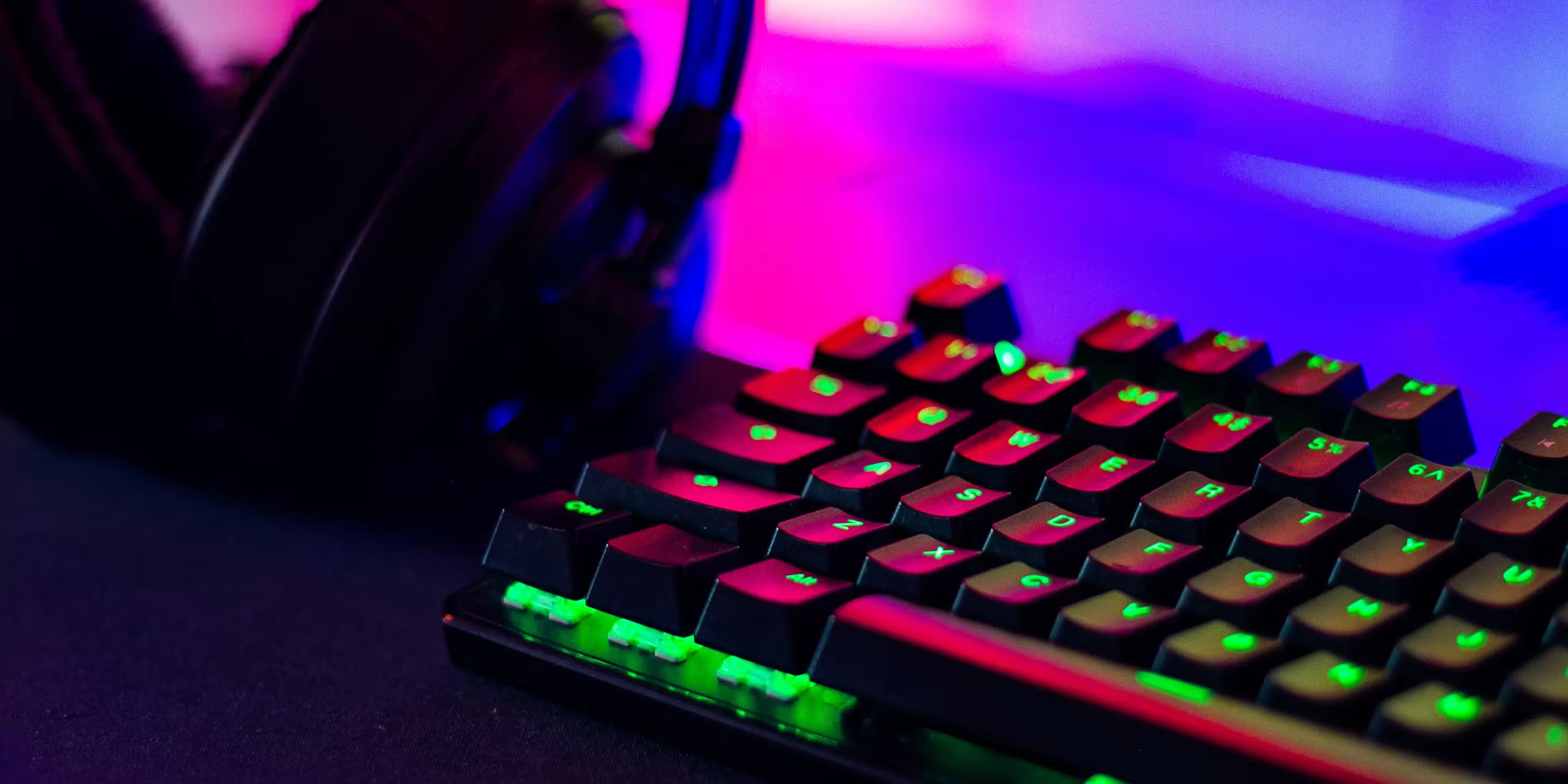
Best Wireless Mechanical Keyboard
The best keyboard, wireless mechanical keyboards combine the tactile experience of mechanical switches with the convenience of wireless connectivity. Some top picks include:
Logitech G915 TKL
The Logitech G915 TKL is a premium tenkeyless (TKL) mechanical gaming keyboard renowned for its sleek design, wireless connectivity, and low-profile switches. It is ideal for gamers and professionals seeking a compact and feature-rich keyboard. Below is an in-depth analysis of the advantages and disadvantages of the Logitech G915 TKL.
Advantages of the Logitech G915 TKL
- Wireless Connectivity
- Low-Profile Mechanical Switches
- Compact TKL Design
- Premium Build Quality
- LIGHTSYNC RGB Lighting
- Exceptional Battery Life
- Onboard Memory and Profiles
- Dedicated Media Controls
- Seamless Software Integration
Wireless Connectivity
The Best keyboard G915 TKL features Logitech’s proprietary LIGHTSPEED wireless technology, which offers a 1ms response time, ensuring lag-free gaming performance. It also supports Bluetooth connectivity, allowing easy switching between devices, making it a versatile option for both gaming and productivity.
Low-Profile Mechanical Switches
The keyboard is equipped with low-profile GL mechanical switches, available in three variants: GL Clicky, GL Tactile, and GL Linear. These switches provide a comfortable and responsive typing experience, catering to various preferences.
Compact TKL Design
The tenkeyless layout eliminates the number pad, saving desk space and improving portability. This design is particularly appealing to gamers who prioritize mouse movement space or individuals with compact workstations.
Premium Build Quality
The G915 TKL is constructed with an aircraft-grade aluminum alloy top plate, giving it a durable and premium feel. Its minimalist design is both sleek and modern, fitting seamlessly into any setup.
LIGHTSYNC RGB Lighting
The best keyboard offers per-key RGB lighting that can be customized using Logitech’s G HUB software. The lighting is vibrant and supports dynamic effects, syncing seamlessly with other Logitech devices for a cohesive look.
Exceptional Battery Life
Despite its RGB lighting, the G915 TKL delivers an impressive battery life. It can last up to 40 hours on a single charge with maximum brightness, and even longer with reduced lighting or turned off completely. The keyboard charges quickly via the included USB-C cable.
Onboard Memory and Profiles
The G915 TKL features onboard memory that allows users to save up to three profiles, including key bindings and lighting settings. This feature is convenient for users who switch between games or applications frequently.
Dedicated Media Controls
The inclusion of dedicated media controls and a volume wheel provides quick access to essential functions without interrupting gameplay or productivity.
Seamless Software Integration
Logitech’s G HUB software allows extensive customization, including key remapping, macro programming, and lighting effects. The software is user-friendly and provides a comprehensive set of tools for tailoring the keyboard to individual needs.
Disadvantages of the Logitech G915 TKL
- High Price Point
- Non-Hot-Swappable Switches
- Lack of USB Passthrough
- Limited Ergonomic Adjustments
- Keycap Material
- No Detachable Cable
- Limited Macro Keys
High Price Point
The G915 TKL is positioned as a premium best keyboard, which is reflected in its price. While it offers excellent features, it may not be the best choice for budget-conscious buyers.
Non-Hot-Swappable Switches
Unlike some other mechanical keyboards, the switches on the G915 TKL are not hot-swappable. Users who wish to experiment with or replace switches will find this limitation frustrating.
Lack of USB Passthrough
Considering its price, the absence of a USB passthrough port is a noticeable omission. Many competitors in this range include this feature, which can be useful for connecting peripherals.
Limited Ergonomic Adjustments
The G915 TKL has two adjustable angles, which may not be sufficient for users seeking more ergonomic flexibility. Additionally, it lacks a wrist rest, which could lead to discomfort during extended use.
Keycap Material
The stock keycaps are made of ABS plastic, which is prone to wear and shine over time. PBT keycaps would have been a better choice for durability, especially on a high-end keyboard.
No Detachable Cable
While the keyboard charges via USB-C, the cable is not detachable for wired use. This limitation might be inconvenient for users who prefer using a cable during charging to eliminate any potential wireless latency.
Limited Macro Keys
Unlike its full-sized counterpart, The Best keyboard G915 TKL does not include dedicated macro keys. While users can reprogram existing keys via G HUB, the lack of physical macro keys might be a drawback for some.
The Logitech G915 TKL is a feature-rich and visually stunning keyboard that combines top-tier wireless performance with a sleek, compact design. Its low-profile switches, LIGHTSYNC RGB lighting, and exceptional build quality make it a fantastic choice for gamers and professionals alike.
However, its high price, lack of hot-swappable switches, and absence of a wrist rest might deter some users. For those who value wireless functionality, a slim profile, and a premium aesthetic, the G915 TKL is an excellent investment. Conversely, users on a budget or seeking maximum customization might need to explore alternative options.

Corsair K63 Wireless
The Corsair K63 Wireless is a compact mechanical gaming best keyboard that combines wireless connectivity with robust performance. Designed to cater to gamers and productivity enthusiasts, this tenkeyless (TKL) keyboard offers impressive features at an affordable price. Here’s a detailed look at the advantages and disadvantages of the Corsair K63 Wireless.
Advantages of the Corsair K63 Wireless
- Wireless and Wired Connectivity
- Compact TKL Design
- Mechanical Cherry MX Red Switches
- Strong Battery Life
- Per-Key Blue LED Backlighting
- Dedicated Media Controls
- Comfortable and Durable Design
- Secure Wireless Connection
- Affordable Price
Wireless and Wired Connectivity
The Best keyboard K63 Wireless supports both 2.4GHz wireless and Bluetooth connectivity, as well as a wired USB option. The 2.4GHz wireless mode delivers a fast, lag-free experience, making it ideal for gaming, while Bluetooth offers added versatility for multiple devices.
Compact TKL Design
With its tenkeyless design, the K63 Wireless is compact and portable. It saves desk space, provides more room for mouse movement, and is easy to carry, making it an excellent choice for gamers on the go or those with limited desk space.
Mechanical Cherry MX Red Switches
The keyboard features Cherry MX Red switches, known for their smooth, linear actuation and fast response time. These switches are highly regarded for gaming due to their consistent feel and quiet operation compared to clicky or tactile switches.
Strong Battery Life
The K63 Wireless offers a respectable battery life of up to 15 hours with full backlighting and significantly more with the lighting turned off. This ensures uninterrupted usage during long gaming sessions or workdays.
Per-Key Blue LED Backlighting
Although it lacks RGB lighting, the keyboard includes per-key blue LED backlighting. The lighting can be customized using Corsair’s iCUE software, offering various effects and brightness levels to suit personal preferences.
Dedicated Media Controls
The inclusion of dedicated media keys is a valuable feature, allowing users to adjust volume, skip tracks, or pause music without disrupting their workflow or gaming session.
Comfortable and Durable Design
The best keyboard is built with high-quality plastic, making it sturdy and durable. Its detachable wrist rest, covered in soft-touch material, adds extra comfort during extended use, reducing wrist strain.
Secure Wireless Connection
The 2.4GHz wireless connection employs AES-128 bit encryption, ensuring a secure and stable connection. This feature is especially useful for users concerned about data security during wireless operation.
Affordable Price
Compared to other wireless mechanical keyboards, the Corsair K63 Wireless is priced competitively. It offers excellent value for money without sacrificing essential features.
Disadvantages of the Corsair K63 Wireless
- Lack of RGB Lighting
- Shorter Battery Life with Backlight
- No USB Passthrough
- Limited Switch Options
- Plastic Build
- Smaller Customization Options
- No Hot-Swappable Switches
- Bulky Wrist Rest
Lack of RGB Lighting
The absence of RGB lighting might disappoint users who prioritize customization and aesthetics. The single-color blue LED backlighting, while functional, is less versatile compared to keyboards with full RGB support.
Shorter Battery Life with Backlight
While the battery life is decent, the 15-hour runtime with backlighting turned on might feel limited for users who prefer illuminated keys during extended sessions. Competing models often offer longer battery life under similar conditions.
No USB Passthrough
Unlike some high-end keyboards, the K63 Wireless does not include a USB passthrough port, which could be a drawback for users who frequently connect peripherals.
Limited Switch Options
The K63 Wireless only comes with Cherry MX Red switches, which might not appeal to users who prefer tactile or clicky switches. A broader selection of switch options would have enhanced its appeal to a wider audience.
Plastic Build
While the build quality is solid, the plastic construction doesn’t feel as premium as keyboards with metal frames. Users seeking a more luxurious feel might find this disappointing.
Smaller Customization Options
Though the Corsair iCUE software is functional, it is less intuitive and offers fewer customization options compared to software from other brands like Logitech or Razer. The lack of extensive macro programming might be a limitation for advanced users.
No Hot-Swappable Switches
Like many keyboards in its price range, The Best keyboard K63 Wireless does not support hot-swappable switches. This restricts users from easily replacing or experimenting with different switch types.
Bulky Wrist Rest
While the detachable wrist rest is comfortable, it is relatively bulky, which may not be ideal for users seeking a compact and minimalist setup.
The Corsair K63 Wireless offers a great blend of performance, portability, and value, making it an excellent choice for gamers and professionals seeking a wireless mechanical keyboard. Its compact TKL design, Cherry MX Red switches, and versatile connectivity options make it a strong contender in its price range.
However, its limited battery life with backlighting, absence of RGB lighting, and lack of premium materials might deter some users. For those seeking a secure, reliable, and affordable wireless mechanical best keyboard, the Corsair K63 Wireless is a solid option. However, users prioritizing extensive customization, RGB lighting, or premium build materials might consider alternatives.
Best Wireless Keyboard for Work
The best keyboard for professionals, a reliable and comfortable wireless keyboard is essential. Here are the best options:
Logitech MX Keys
The Logitech MX Keys is a sleek, premium wireless keyboard designed for professionals and productivity-focused users. With its minimalist design, high-end features, and robust performance, it has become a popular choice among writers, developers, and office workers. Below, we break down the advantages and disadvantages of the Logitech MX Keys.
Advantages of the Logitech MX Keys
- Exceptional Build Quality
- Perfect Stroke Keys
- Intelligent Backlighting
- Multi-Device and Cross-Platform Compatibility
- USB-C Charging
- Easy-Switch Technology
- Quiet and Comfortable Typing
- Logitech Options Software Integration
- Stability and Ergonomics
Exceptional Build Quality
The MX Keys is built with a solid metal frame and high-quality plastic, giving it a premium feel and robust durability. Its slim profile and elegant design make it a standout keyboard for professional setups.
Perfect Stroke Keys
The keyboard features Logitech’s “Perfect Stroke” key technology, providing smooth, responsive, and quiet typing. The concave keycaps are designed to match the shape of your fingertips, improving comfort and accuracy.
Intelligent Backlighting
The MX Keys comes with smart backlighting that automatically adjusts to ambient lighting conditions. It also activates when your hands approach the keyboard, saving battery life while maintaining functionality in low-light environments.
Multi-Device and Cross-Platform Compatibility
This best keyboard supports up to three devices simultaneously and allows users to switch between them with a single button. It is compatible with Windows, macOS, Linux, iOS, and Android, making it a versatile choice for multi-device users.
USB-C Charging
The Best keyboard MX Keys uses a USB-C port for charging, ensuring faster and more convenient charging. The battery can last up to 10 days with backlighting on and up to 5 months with backlighting off, depending on usage.
Easy-Switch Technology
With Easy-Switch buttons, users can seamlessly transition between devices. This feature is particularly useful for those who work across multiple platforms, such as a laptop, tablet, and smartphone.
Quiet and Comfortable Typing
The scissor-switch mechanism offers a quiet typing experience, making the MX Keys ideal for shared or quiet environments like offices or libraries. It also reduces strain during prolonged use.
Logitech Options Software Integration
The MX Keys can be customized via Logitech’s Options software, which allows users to remap keys, assign shortcuts, and adjust settings like backlighting. This adds a layer of personalization for different workflows.
Stability and Ergonomics
The keyboard’s weight and rubber feet prevent it from sliding on the desk, ensuring stability during use. Its low-profile design reduces wrist strain, promoting better ergonomics.
Disadvantages of the Logitech MX Keys
- High Price
- No Mechanical Switches
- Limited Backlighting Options
- Non-Hot-Swappable Keys
- No Built-In Wrist Rest
- Lack of Portability
- Limited Gaming Features
- Battery Life with Backlighting
High Price
The MX Keys is priced as a premium keyboard, which might not be suitable for budget-conscious users. Its high cost could be a deterrent, especially for those seeking basic functionality.
No Mechanical Switches
While the typing experience is comfortable, it lacks the tactile feedback of mechanical keyboards. Users accustomed to mechanical switches might find the MX Keys less satisfying.
Limited Backlighting Options
The backlighting is functional but limited to a single white color. Users who prefer RGB lighting for aesthetics or better visibility might find this underwhelming.
Non-Hot-Swappable Keys
The keys on the MX Keys are not hot-swappable, which means they cannot be easily replaced or customized. This limits the keyboard’s appeal to users who prefer personalization.
No Built-In Wrist Rest
Although the low-profile design reduces wrist strain, the lack of an integrated or detachable wrist rest might not provide sufficient support for all users during long typing sessions.
Lack of Portability
The MX Keys is relatively heavy and not designed for portability. Users seeking a lightweight, travel-friendly keyboard might find this one less convenient to carry around.
Limited Gaming Features
This keyboard is tailored for productivity, not gaming. It lacks features like anti-ghosting, N-key rollover, and low latency, which are essential for gaming keyboards.
Battery Life with Backlighting
While the battery life is impressive with backlighting off, frequent backlighting usage significantly reduces runtime to about 10 days. This might be inconvenient for users who rely heavily on backlit keys.
The Logitech MX Keys is an exceptional keyboard for productivity-focused users, offering a premium typing experience, excellent build quality, and intelligent features. Its multi-device support, smart backlighting, and seamless cross-platform compatibility make it a top choice for professionals.
However, it’s not designed for everyone. Gamers, mechanical keyboard enthusiasts, or those seeking high portability might find its limitations a dealbreaker. Despite its high price, the MX Keys is a worthwhile investment for those who prioritize functionality, aesthetics, and comfort in a professional environment.
Microsoft Surface Keyboard
The Microsoft Surface Keyboard is a sleek, minimalist wireless keyboard designed to complement the Surface line of devices. It offers a refined typing experience and fits seamlessly into professional environments. Below is an in-depth look at the advantages and disadvantages of the Microsoft Surface Keyboard.
Advantages of the Microsoft Surface Keyboard
- Premium Design and Build Quality
- Quiet and Comfortable Typing
- Seamless Wireless Connectivity
- Long Battery Life
- Compact and Portable Design
- Cross-Platform Compatibility
- Effortless Setup
- Aesthetically Pleasing
Premium Design and Build Quality
The Surface Keyboard features a minimalist design with a premium aluminum frame, making it lightweight yet sturdy. Its sleek appearance pairs perfectly with the Surface lineup and other modern setups.
Quiet and Comfortable Typing
The keys are well-spaced with a scissor-switch mechanism that provides a soft, quiet typing experience. This makes it an excellent choice for shared or noise-sensitive environments like offices.
Seamless Wireless Connectivity
Using Bluetooth 4.0, the Surface best Keyboard provides a reliable and lag-free connection. It pairs quickly and maintains a strong signal, allowing users to focus without interruptions.
Long Battery Life
Powered by two AAA batteries, the keyboard boasts an impressive battery life of up to 12 months. This eliminates the need for frequent charging, making it highly convenient for daily use.
Compact and Portable Design
Its slim profile and lightweight construction make the Surface Keyboard easy to carry and suitable for smaller workspaces. Despite its compact size, it retains all essential keys, including a full function row.
Cross-Platform Compatibility
Although designed for Windows and the Surface ecosystem, the keyboard is compatible with macOS and other Bluetooth-enabled devices, making it versatile for users who work across multiple platforms.
Effortless Setup
The keyboard pairs effortlessly with devices and requires no additional software installation, simplifying the setup process. For Surface users, the integration feels seamless and natural.
Aesthetically Pleasing
The Surface Keyboard’s understated design and silver finish exude professionalism. It enhances the visual appeal of any workspace, particularly when paired with Surface devices or similar aesthetics.
Disadvantages of the Microsoft Surface Keyboard
- Limited Key Travel
- No Backlighting
- Limited Customization
- No Rechargeable Battery
- No Wrist Rest
- Limited Functionality for Non-Windows Users
- High Price for Features
- Lack of Gaming Features
Limited Key Travel
While the low-profile keys are comfortable for most users, the limited key travel might not appeal to those who prefer more tactile feedback, such as mechanical keyboard enthusiasts.
No Backlighting
The best keyboard lacks backlighting, which can be a dealbreaker for users who frequently work in low-light environments. Competing models in its price range often include this feature.
Limited Customization
Unlike keyboards with dedicated software, the Surface Keyboard does not offer customization options such as key remapping or macro programming. This limits its appeal for advanced users seeking personalized workflows.
No Rechargeable Battery
While the AAA battery design contributes to its long battery life, the lack of a rechargeable battery might feel outdated to users accustomed to USB-C charging in modern devices.
No Wrist Rest
The keyboard’s flat design lacks a wrist rest, which could lead to discomfort during extended typing sessions. Users looking for ergonomic support may need to purchase a separate wrist rest.
Limited Functionality for Non-Windows Users
Although it works with macOS and other systems, certain keys and shortcuts are optimized for Windows. Non-Windows users might find some functions less intuitive or incompatible.
High Price for Features
Compared to similarly priced keyboards, the Surface Keyboard lacks advanced features like backlighting, customizable keys, or multi-device pairing, making it feel expensive for what it offers.
Lack of Gaming Features
This keyboard is not designed for gaming. It lacks features like anti-ghosting, N-key rollover, or low-latency performance, which are essential for competitive or casual gaming.
The Best keyboard Microsoft Surface best Keyboard is an excellent choice for professionals seeking a stylish, minimalist keyboard with a quiet and comfortable typing experience. Its long battery life, seamless Bluetooth connectivity, and premium design make it an ideal accessory for Surface users and productivity enthusiasts.
However, its lack of backlighting, limited customization options, and absence of advanced features might deter users who require more functionality or prefer ergonomic designs. Despite its high price, the Surface best Keyboard shines in aesthetics and simplicity, making it a strong option for those prioritizing design and seamless integration over advanced features.
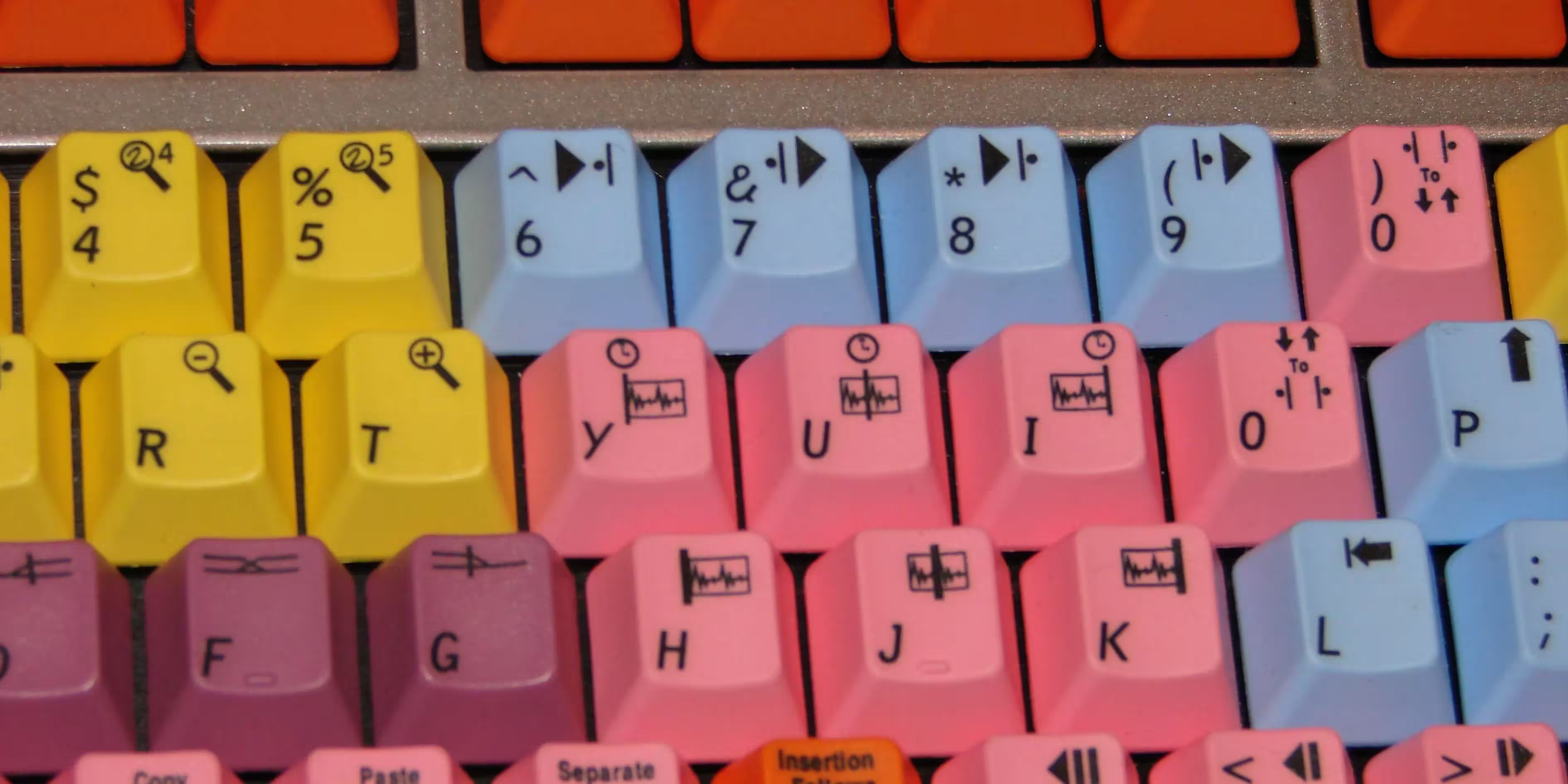
Best Wireless Gaming Keyboard
The best keyboard gamers demand responsiveness and low latency from their wireless keyboards. These options deliver:
Razer BlackWidow V3 Pro
The Razer BlackWidow V3 Pro is a flagship mechanical keyboard that combines wireless freedom, premium features, and high-end gaming performance. Known for its customizable RGB lighting, durable build, and responsive switches, this keyboard caters to gamers and professionals seeking a reliable and feature-packed device. Below is a detailed analysis of the advantages and disadvantages of the Razer BlackWidow V3 Pro.
Advantages of the Razer BlackWidow V3 Pro
- Wireless Freedom
- Mechanical Switch Options
- Customizable RGB Lighting
- Premium Build Quality
- Dedicated Media Controls
- Comfortable Wrist Rest
- Full-Size Layout
- Excellent Battery Life
- Comprehensive Software Integration
- Gaming-Grade Features
Wireless Freedom
The BlackWidow V3 Pro supports Razer HyperSpeed wireless technology, ensuring ultra-low latency and reliable performance for gaming. It also offers Bluetooth and USB-C wired connectivity, making it versatile for various devices and scenarios.
Mechanical Switch Options
The best keyboard comes with Razer’s Green (clicky) or Yellow (linear and silent) mechanical switches, catering to different preferences. These switches are known for their durability and responsiveness, providing an excellent typing and gaming experience.
Customizable RGB Lighting
Razer’s Chroma RGB lighting is one of the best in the industry, offering per-key illumination with millions of color options. It can be customized through the Razer Synapse software and synchronized with other Chroma-enabled devices for a cohesive aesthetic.
Premium Build Quality
The BlackWidow V3 Pro features an aluminum top plate and sturdy construction, ensuring long-lasting durability. The materials feel premium and contribute to the keyboard’s overall robust design.
Dedicated Media Controls
The Best keyboard includes a multi-function digital dial and dedicated media keys, making it convenient to adjust volume, skip tracks, or pause media without interrupting your workflow or gameplay.
Comfortable Wrist Rest
The included magnetic wrist rest is made of plush leatherette material, providing excellent support for long gaming or typing sessions. Its ergonomic design helps reduce wrist strain.
Full-Size Layout
With a full-sized design, the BlackWidow V3 Pro includes a numpad, making it suitable for gaming, productivity tasks, and data entry. The layout is well-suited for users who prefer a traditional keyboard setup.
Excellent Battery Life
Despite its vibrant RGB lighting, the BlackWidow V3 Pro delivers impressive battery life, lasting up to 192 hours with lighting turned off and around 13 hours at maximum brightness.
Comprehensive Software Integration
Razer Synapse allows users to remap keys, create macros, and customize lighting effects. The software is user-friendly and provides extensive customization options for advanced users.
Gaming-Grade Features
The best keyboard supports N-key rollover and anti-ghosting, ensuring every keypress is registered accurately during intense gaming sessions.

Disadvantages of the Razer BlackWidow V3 Pro
- High Price
- Heavy and Bulky Design
- Battery Life with RGB Lighting
- Software Dependence
- Non-Hot-Swappable Switches
- Limited Wireless Range
- No USB Passthrough
- Lack of Compact Options
High Price
As a premium gaming keyboard, the BlackWidow V3 Pro is expensive compared to other options in the market. Its price may deter budget-conscious users or those seeking basic functionality.
Heavy and Bulky Design
The best keyboard’s full-size layout and robust build make it heavy and less portable. It’s not the best choice for users seeking a compact or travel-friendly keyboard.
Battery Life with RGB Lighting
While the battery life is impressive without lighting, it diminishes significantly when RGB effects are enabled, requiring frequent recharging for users who prefer vibrant backlighting.
Software Dependence
While Razer Synapse is powerful, it’s essential for accessing the full range of features. Some users may find the reliance on software cumbersome, and occasional bugs or crashes can hinder the experience.
Non-Hot-Swappable Switches
The switches on the BlackWidow V3 Pro are not hot-swappable, which limits customization for enthusiasts who want to experiment with different switch types.
Limited Wireless Range
While HyperSpeed wireless technology is reliable, its range may be limited in some environments, which could impact users with larger setups or interference-heavy spaces.
No USB Passthrough
Despite its premium price, the BlackWidow V3 Pro lacks a USB passthrough port, which is a common feature in many high-end keyboards.
Lack of Compact Options
The full-size design might not appeal to users who prefer tenkeyless (TKL) or 60% layouts for their portability and space-saving benefits.
The Razer BlackWidow V3 Pro is a top-tier mechanical best keyboard designed for gamers and professionals who demand premium features and wireless freedom. Its mechanical switches, vibrant RGB lighting, and excellent build quality make it a standout option for performance-focused users.
However, its high price, bulky design, and limited battery life with RGB lighting might deter some buyers. For those who prioritize wireless performance, customization, and comfort, the BlackWidow V3 Pro is a worthy investment. Users seeking a more affordable or compact option might need to explore alternatives.
Asus ROG Falchion
The Asus ROG Falchion is a 65% wireless mechanical keyboard designed for gamers and enthusiasts who value portability, performance, and innovation. Packed with unique features and premium materials, it stands out as a versatile option for both gaming and productivity.
Advantages of the Asus ROG Falchion
- Compact and Portable Design
- Wireless Freedom with Low Latency
- Premium Build Quality
- Interactive Touch Panel
- Exceptional Battery Life
- Customizable RGB Lighting
- Cherry MX Switches
- Protective Cover
- Software Integration
Compact and Portable Design
The 65% layout strikes a perfect balance between functionality and compactness. It offers arrow keys and additional functionality without the bulk of a full-size keyboard, making it ideal for users with limited desk space or those who frequently travel.
Wireless Freedom with Low Latency
Equipped with 2.4GHz wireless technology, the ROG Falchion delivers near-zero latency, providing a smooth and responsive gaming experience. It also includes a wired USB-C connection for added versatility.
Premium Build Quality
The best keyboard features a durable plastic frame with a premium finish that ensures long-lasting durability. The double-shot PBT keycaps provide a superior feel and resistance to wear, enhancing its lifespan.
Interactive Touch Panel
A standout feature of the Falchion is the touch-sensitive panel on the left side of the keyboard. This panel can be customized to control volume, switch profiles, or execute macros, adding a unique layer of functionality.
Exceptional Battery Life
The keyboard offers up to 450 hours of battery life without RGB lighting, making it one of the longest-lasting wireless gaming best keyboards on the market. Even with lighting enabled, it delivers respectable performance for extended use.
Customizable RGB Lighting
The ROG Falchion includes per-key RGB lighting with support for Aura Sync. Users can customize lighting effects to match their setup or sync it with other Asus peripherals for a cohesive look.
Cherry MX Switches
The Falchion uses authentic Cherry MX mechanical switches, available in several variants, catering to different typing and gaming preferences. These switches are known for their reliability and consistency.
Protective Cover
A unique inclusion is the hard-shell cover that protects the keyboard during transportation. It also doubles as a base to keep the keyboard clean when not in use.
Software Integration
The keyboard is compatible with Asus Armoury Crate software, which allows users to customize lighting, remap keys, and set macros, providing a high degree of personalization.

Disadvantages of the Asus ROG Falchion
Limited Layout
While the 65% layout is compact, it may not appeal to users who rely heavily on a numpad or dedicated function keys. Adjusting to the smaller form factor can take time for some users.
Touch Panel Learning Curve
The touch-sensitive panel, while innovative, may require a learning curve. Some users might find it less intuitive or accidentally trigger actions during use.
Price Point
As a premium keyboard, the ROG Falchion comes at a higher price compared to other compact keyboards. It may not fit the budget of all users, especially those seeking basic functionality.
No Hot-Swappable Switches
The keyboard does not support hot-swappable switches, limiting customization for users who wish to experiment with different mechanical switch types.
Non-RGB Battery Life
While the battery life is impressive, the non-RGB performance is where it truly shines. Users who prioritize RGB lighting may find the reduced battery life a drawback.
Lack of Dedicated Software Features
While Armoury Crate provides good customization options, it lacks some advanced features found in competing brands’ software, such as onboard memory for extensive profiles.
Conclusion
The Asus ROG Falchion is an innovative and compact keyboard that caters to gamers and professionals seeking portability and performance. Its premium build, wireless connectivity, and unique touch panel make it a standout option in the 65% keyboard category.
However, its high price, limited layout, and touch panel usability may not suit everyone. For users who value space-saving designs, long battery life, and unique features, the ROG Falchion is a compelling choice. Those needing a numpad or hot-swappable switches might want to explore other options.

Best Ergonomic Keyboard
The best keyboard, ergonomic keyboards are designed to minimize strain during prolonged typing sessions. Here are the best ones:
Kinesis Advantage2
The Kinesis Advantage2 is a premium ergonomic keyboard designed to enhance comfort, reduce typing strain, and boost productivity. Its unique design and advanced features make it a popular choice among professionals, programmers, and individuals who type for extended periods. Below, we explore the pros and cons of this innovative keyboard.
Advantages of the Kinesis Advantage2
- Superior Ergonomic Design
- Columnar Key Layout
- Integrated Palm Rests
- Cherry MX Brown Switches
- Fully Programmable
- Durable Build Quality
- Built-In Functionality
- Macros and Productivity Boost
Superior Ergonomic Design
The Advantage2 features a split keyboard layout with concave key wells that position the fingers naturally, reducing strain on the wrists and shoulders. This design encourages a neutral typing posture, ideal for those prone to repetitive strain injuries (RSI).
Columnar Key Layout
Unlike traditional staggered layouts, the columnar arrangement aligns the keys vertically, reducing unnecessary finger movement and improving typing efficiency. This layout aligns more closely with the natural motion of the fingers.
Integrated Palm Rests
The keyboard includes built-in cushioned palm rests that provide comfortable support for the wrists, reducing fatigue during long typing sessions.
Cherry MX Brown Switches
The Advantage2 is equipped with tactile Cherry MX Brown mechanical switches, offering a balance between responsiveness and quiet operation. These switches are perfect for typing and provide a consistent feel.
Fully Programmable
Using the SmartSet Programming Engine, users can remap keys, create custom layouts, and program macros directly on the keyboard without additional software. The on-board memory allows for up to nine profiles, catering to various workflows.
Durable Build Quality
The Advantage2 is constructed from high-quality materials designed to withstand heavy use. The mechanical switches are rated for millions of keystrokes, ensuring durability over time.
Built-In Functionality
The best keyboard includes specialized thumb clusters with keys for Enter, Backspace, and Spacebar, reducing the need to move the hands away from the home row.
Macros and Productivity Boost
With the ability to store macros, repetitive tasks can be automated, significantly improving productivity for programmers and data entry professionals.

Disadvantages of the Kinesis Advantage2
- High Price Point
- Learning Curve
- Bulkiness
- No Wireless Option
- Lack of RGB Lighting
- Limited Appeal for Gamers
- Non-Hot-Swappable Switches
- Conclusion
High Price Point
The Advantage2 is a premium keyboard with a cost significantly higher than standard keyboards. Its price may deter budget-conscious buyers.
Learning Curve
The unconventional layout and ergonomic design require a period of adjustment, especially for users accustomed to traditional keyboards. Mastering the layout may take days or even weeks.
Bulkiness
While designed for comfort, the Advantage2 is relatively large and not easily portable. Its size may be inconvenient for users with limited desk space.
No Wireless Option
The best keyboard is wired-only, which might be a drawback for users seeking a clutter-free or wireless setup.
Lack of RGB Lighting
The Advantage2 does not include any backlighting or RGB customization options, which might be disappointing for users accustomed to more visually appealing keyboards.
Limited Appeal for Gamers
This keyboard is designed for productivity and ergonomic comfort rather than gaming. It lacks features like N-key rollover or specific gaming-oriented enhancements.
Non-Hot-Swappable Switches
The Cherry MX switches are not hot-swappable, meaning users cannot replace or customize them without soldering, which limits versatility for enthusiasts.
Conclusion
The Kinesis Advantage2 is a top-tier ergonomic keyboard that excels in reducing typing strain and improving productivity. Its unique design, programmability, and premium build make it an excellent choice for professionals who type extensively. However, its high price, learning curve, and lack of portability might deter some users.
For those seeking a highly ergonomic solution and willing to invest time in adapting to its layout, the Kinesis Advantage2 is a worthwhile investment. Users looking for portability, gaming features, or lower costs may need to explore alternative options.
Logitech Ergo K860
The Logitech Ergo K860 is an ergonomic keyboard designed to provide maximum comfort during long typing sessions. Its split design, curved shape, and wrist support aim to reduce strain on wrists and shoulders while promoting a natural typing posture. Below, we analyze the pros and cons of the Logitech Ergo K860.
Advantages of the Logitech Ergo K860
- Ergonomic Split Design
- Comfortable Wrist Rest
- High Build Quality
- Wireless Connectivity
- Multi-Platform Compatibility
- Adjustable Typing Angles
- Quiet Typing Experience
- Excellent Battery Life
- Easy to Set Up
Ergonomic Split Design
The Ergo K860 features a split keyboard layout with a curved shape that supports a more natural hand and wrist position. This design reduces wrist pronation and encourages a neutral typing posture.
Comfortable Wrist Rest
The built-in wrist rest is made of memory foam and provides excellent support, reducing wrist fatigue. It is curved and elevated, aligning the wrists comfortably with the keyboard.
High Build Quality
The best keyboard is built with durable materials that feel premium and sturdy. Its design ensures it can withstand extended use while maintaining a sleek appearance.
Wireless Connectivity
The Ergo K860 supports both Bluetooth and USB dongle connections, offering flexibility for different devices. It can connect to up to three devices simultaneously and switch between them with a single button.
Multi-Platform Compatibility
This keyboard is compatible with Windows, macOS, iOS, and Android, making it a versatile choice for users who work across multiple operating systems.
Adjustable Typing Angles
The keyboard features adjustable tilt legs that allow for negative tilt options of -4° and -7°. These settings ensure that users can find the most comfortable angle, whether seated or standing.
Quiet Typing Experience
The scissor-switch keys provide a quiet and responsive typing experience, ideal for shared or noise-sensitive environments.
Excellent Battery Life
Powered by two AAA batteries, the keyboard boasts a battery life of up to two years, reducing the need for frequent replacements and ensuring long-term reliability.
Easy to Set Up
The Logitech Options software simplifies customization and setup. Users can remap keys, adjust settings, and access additional features effortlessly.
Disadvantages of the Logitech Ergo K860
- Steep Learning Curve
- Non-Mechanical Switches
- No Backlighting
- Limited Customization
- Large Footprint
- No Rechargeable Battery
- Limited Appeal for Gamers
- Conclusion
Steep Learning Curve
The split design and curved layout may feel unfamiliar to users accustomed to traditional keyboards. Adapting to the Ergo K860 might take a few days or weeks.
Non-Mechanical Switches
The keyboard uses scissor-switch keys rather than mechanical switches. While they provide a good typing experience, they may not satisfy mechanical keyboard enthusiasts.
No Backlighting
The Ergo K860 does not include backlighting, which can be inconvenient for users working in low-light environments.
Limited Customization
Compared to mechanical keyboards, the Ergo K860 has limited customization options. Key remapping and macro creation are available through the Logitech Options software but are not as extensive as other high-end keyboards.
Large Footprint
The keyboard’s size and built-in wrist rest make it relatively large. It may take up significant desk space and is not easily portable.
No Rechargeable Battery
While the battery life is excellent, the lack of a rechargeable option might be inconvenient for users who prefer built-in power solutions.
Limited Appeal for Gamers
The Ergo K860 is designed for productivity rather than gaming. It lacks features like N-key rollover, customizable RGB lighting, or fast actuation switches, making it less suitable for gaming purposes.
Conclusion
The Logitech Ergo K860 is an excellent keyboard for users seeking an ergonomic solution to improve comfort and reduce strain during long typing sessions. Its split layout, wrist rest, and adjustable angles make it a standout choice for professionals and writers prioritizing health and productivity.
However, its steep learning curve, lack of backlighting, and non-mechanical keys might not appeal to everyone. For those looking for a comfortable, productivity-focused keyboard and willing to adapt to its unique design, the Logitech Ergo K860 is a worthwhile investment. Gamers or users seeking portability and extensive customization might want to consider other options.

Good Android Keyboard
The best keyboard finding a good Android keyboard for typing on smartphones or tablets is essential for productivity:
Logitech K380
The Logitech K380 is a compact and versatile wireless keyboard designed for users who prioritize portability, multi-device connectivity, and a sleek design. It’s popular among casual users, students, and professionals who work on the go. Below, we explore the advantages and disadvantages of the Logitech K380.
Advantages of the Logitech K380
- Compact and Portable Design
- Multi-Device Connectivity
- Cross-Platform Compatibility
- Excellent Battery Life
- Quiet Typing
- Affordable Price
- Comfortable Typing
- Stylish Design
Compact and Portable Design
The K380 is small and lightweight, making it perfect for users who need a portable keyboard for travel or limited desk space. Its minimalist design ensures it fits easily into bags or backpacks.
Multi-Device Connectivity
Using Bluetooth, the K380 can connect to up to three devices simultaneously. The Easy-Switch buttons allow users to switch between paired devices seamlessly, enhancing productivity across multiple platforms.
Cross-Platform Compatibility
The keyboard supports Windows, macOS, Chrome OS, Linux, iOS, iPadOS, and Android, making it one of the most versatile keyboards available. It is ideal for users who work across different operating systems.
Excellent Battery Life
Powered by two AAA batteries, the K380 delivers up to two years of battery life, depending on usage. This removes the hassle of constantly replacing batteries.
Quiet Typing
The scissor-switch keys provide a soft and quiet typing experience, ideal for shared or noise-sensitive environments like libraries or open offices.
Affordable Price
The K380 is budget-friendly, offering excellent value for its features. It’s an attractive option for users seeking a high-quality keyboard without breaking the bank.
Comfortable Typing
The K380 provides a comfortable typing experience despite its compact design. The rounded keys are ergonomically shaped to fit the fingers, promoting natural keystrokes.
Stylish Design
Available in various colors, the K380 has a modern and sleek aesthetic that appeals to a wide range of users.

Disadvantages of the Logitech K380
- No Backlighting
- Compact Layout Challenges
- Non-Rechargeable Battery
- Limited Customization
- No Multi-Media Keys
- Not Ideal for Gaming
- Lack of Ergonomic Features
- Conclusion
No Backlighting
The best keyboard lacks backlighting, which can be a dealbreaker for users who frequently work in low-light environments.
Compact Layout Challenges
While its compact design is great for portability, the lack of a dedicated number pad and smaller key size may not suit users who require full-sized keyboards for extensive typing or data entry.
Non-Rechargeable Battery
The K380 relies on AAA batteries, which, while long-lasting, may not appeal to users who prefer rechargeable options for environmental or convenience reasons.
Limited Customization
Although the K380 supports some customization through Logitech Options software, its options are limited compared to higher-end keyboards. Key remapping and advanced macro programming are not available.
No Multi-Media Keys
Unlike some larger keyboards, the K380 does not have dedicated media control keys. While media functions can be accessed using function keys, this may not be as convenient for some users.
Not Ideal for Gaming
The K380 is designed for casual typing and productivity tasks, not gaming. It lacks features like low latency, N-key rollover, or mechanical switches, which are essential for gamers.
Lack of Ergonomic Features
The flat design of the K380 might not provide enough wrist support or ergonomic benefits for prolonged typing sessions. Users may need to use a separate wrist rest for comfort.
Conclusion
The Logitech K380 is a fantastic choice for casual users, students, and professionals who prioritize portability and multi-device functionality. Its affordable price, compact design, and excellent battery life make it a highly attractive option for on-the-go use.
However, it may not be suitable for users who need advanced customization, ergonomic features, or backlighting. For those seeking a lightweight, versatile keyboard for everyday tasks, the K380 is an excellent investment. Users with specialized needs, such as gaming or extensive data entry, may want to explore alternatives.
iClever BK10
The iClever BK10 is a sleek, compact, and budget-friendly wireless best keyboard designed for users who need a reliable device for multitasking and portability. Its multi-device compatibility and minimalist design make it an appealing option for casual and professional use. Below, we explore the advantages and disadvantages of the iClever BK10.
Advantages of the iClever BK10
- Multi-Device Connectivity
- Cross-Platform Compatibility
- Slim and Portable Design
- Quiet and Comfortable Typing
- Rechargeable Battery
- Durable and Stylish Build
- Affordable Price
- Spill-Resistant
Multi-Device Connectivity
The BK10 can connect to up to three devices via Bluetooth, allowing users to switch between them with the press of a button. This feature is particularly useful for multitasking across different devices like laptops, tablets, and smartphones.
Cross-Platform Compatibility
This keyboard works seamlessly with Windows, macOS, iOS, and Android. It’s an excellent choice for users who frequently switch between operating systems and need a keyboard that can handle multiple platforms effortlessly.
Slim and Portable Design
The lightweight and compact build of the BK10 makes it highly portable. It’s perfect for users with limited desk space or those who need a keyboard for on-the-go use.
Quiet and Comfortable Typing
Equipped with scissor-switch keys, the BK10 provides a smooth and quiet typing experience. This feature is ideal for shared workspaces or environments where noise reduction is essential.
Rechargeable Battery
The built-in rechargeable battery offers up to 90 hours of continuous use on a single charge. This environmentally friendly feature removes the need for disposable batteries, offering both convenience and cost savings.
Durable and Stylish Build
The keyboard’s aluminum alloy frame adds durability and gives it a premium look. Its modern design enhances any setup, making it visually appealing as well as functional.
Affordable Price
The BK10 offers impressive functionality at a budget-friendly price, making it a strong option for users seeking value without compromising quality.
Spill-Resistant
The splash-resistant design protects the keyboard from minor spills, increasing its longevity and usability in everyday situations.
Disadvantages of the iClever BK10
- No Backlighting
- Lack of Dedicated Media Keys
- Non-Ergonomic Design
- Limited Customization
- Smaller Keys
- Bluetooth-Only Connectivity
- Not Suitable for Gaming
- Conclusion
No Backlighting
The keyboard does not feature backlighting, which can be a drawback for users who work in low-light environments or need illuminated keys.
Lack of Dedicated Media Keys
Media controls are accessed through the function keys rather than dedicated buttons. This can be less convenient for users who frequently adjust volume or playback settings.
Non-Ergonomic Design
The BK10’s flat layout lacks ergonomic features like an adjustable tilt or wrist rest. Prolonged typing sessions may lead to discomfort, especially without additional wrist support.
Limited Customization
The BK10 does not support advanced key remapping or macro programming, which may be a limitation for power users or those seeking personalization.
Smaller Keys
The compact design results in slightly smaller keys, which might take some time to adjust to for users accustomed to full-sized keyboards.
Bluetooth-Only Connectivity
The absence of a wired USB option means users are reliant on Bluetooth connectivity, which may not be ideal in environments where wireless signals are unstable.
Not Suitable for Gaming
The BK10 is not designed for gaming and lacks features such as low latency, N-key rollover, and mechanical switches that gamers typically prefer.
Conclusion
The iClever BK10 is a versatile and portable wireless keyboard that excels in multi-device connectivity, affordability, and design. It is an excellent option for casual users, students, and professionals who prioritize portability and basic functionality.
However, its lack of backlighting, ergonomic features, and customization options may not appeal to everyone. For those seeking a simple and budget-friendly keyboard for everyday use, the BK10 is a solid choice. Users with specialized needs, such as gaming or extensive typing comfort, might consider alternative keyboards.

Best Bluetooth Keyboard for iPad
The best keyboard enhance your iPad’s functionality with a reliable Bluetooth keyboard. The top picks include:
Apple Magic Keyboard
The Apple Magic Keyboard is a sleek and minimalist keyboard designed to seamlessly integrate with the Apple ecosystem. Known for its simplicity and reliable performance, it caters to users who prioritize aesthetics, portability, and ease of use. Below, we detail the advantages and disadvantages of the Apple Magic Keyboard.
Advantages of the Apple Magic Keyboard
- Sleek and Minimalist Design
- Seamless Integration with Apple Devices
- Rechargeable Battery
- Comfortable Typing Experience
- Compact and Portable
- High-Quality Build
- Easy Charging and Connectivity
- Multi-Device Compatibility
Sleek and Minimalist Design
The Magic Keyboard features Apple’s signature minimalist design, making it a stylish addition to any setup. Its slim profile and lightweight construction are ideal for modern workspaces and portability.
Seamless Integration with Apple Devices
The keyboard is designed to work effortlessly with macOS, iOS, and iPadOS. Pairing is simple, and it supports native shortcuts and features like Spotlight Search, Mission Control, and Siri.
Rechargeable Battery
Equipped with a built-in rechargeable battery, the Magic Keyboard eliminates the need for disposable batteries. A single charge lasts up to a month, providing convenience and long-term cost savings.
Comfortable Typing Experience
The scissor-switch mechanism provides a stable and responsive typing experience. The low-profile keys are quiet and well-spaced, ensuring comfort during extended typing sessions.
Compact and Portable
The keyboard’s compact size makes it easy to carry and suitable for users with limited desk space. It’s a great option for those who need a lightweight and portable keyboard.
High-Quality Build
Apple’s attention to detail is evident in the keyboard’s high-quality materials. It feels solid and durable, capable of withstanding daily use.
Easy Charging and Connectivity
The Magic Keyboard uses a Lightning cable for charging and initial pairing. Once paired, it automatically reconnects via Bluetooth, offering a hassle-free experience.
Multi-Device Compatibility
While optimized for Apple devices, the keyboard is also compatible with Windows and Android, making it a versatile choice for users with mixed-device environments.
Disadvantages of the Apple Magic Keyboard
- High Price
- Limited Compatibility with Non-Apple Devices
- No Backlighting
- Non-Ergonomic Design
- No Customization Options
- Compact Layout Challenges
- Lack of Multi-Device Switching
- Conclusion
High Price
As with most Apple products, the Magic Keyboard comes at a premium price point. It may not be the most cost-effective option compared to other keyboards with similar features.
Limited Compatibility with Non-Apple Devices
Although it can work with Windows and Android, the lack of native support for certain shortcuts and features makes it less functional for non-Apple users.
No Backlighting
The absence of backlighting is a notable drawback for users who work in dimly lit environments. Competing keyboards in this price range often include backlighting.
Non-Ergonomic Design
The flat design lacks adjustable tilt and wrist support, which may lead to discomfort during prolonged typing sessions. Users seeking ergonomic features may need to purchase additional accessories.
No Customization Options
The keyboard does not offer any software for key remapping or macro programming, limiting its appeal to users who require advanced customization.
Compact Layout Challenges
The compact size means it lacks a dedicated numeric keypad (in the standard version). Users who frequently work with numbers may find this inconvenient, though a full-sized version is available at a higher cost.
Lack of Multi-Device Switching
Unlike some modern keyboards, the Magic Keyboard does not support simultaneous pairing with multiple devices or easy switching between them.
Conclusion
The Apple Magic Keyboard is a well-designed and reliable keyboard that excels in portability, simplicity, and seamless integration with Apple devices. It is an excellent choice for users deeply embedded in the Apple ecosystem who prioritize aesthetics and functionality.
However, its high price, lack of backlighting, and non-ergonomic design may deter some buyers. For those seeking a stylish and straightforward keyboard for everyday use, the Magic Keyboard is a strong contender. Users requiring more advanced features or ergonomic support might explore alternative options.
Logitech Folio Touch
The Logitech Folio Touch is a versatile keyboard case designed for iPad users who want to boost productivity while keeping their device protected. Its laptop-like typing experience, integrated touchpad, and durable build make it a popular choice for professionals and students alike. Below, we examine the advantages and disadvantages of the Logitech Folio Touch.
Advantages of the Logitech Folio Touch
- Integrated Trackpad
- Laptop-Like Typing Experience
- Adjustable Kickstand
- Backlit Keys
- Durable Protection
- Powered by Smart Connector
- Multi-Platform Compatibility
- Compact and Portable
- Apple Pencil Compatibility
Integrated Trackpad
The Folio Touch features a responsive trackpad that supports multi-touch gestures, enhancing navigation and making the iPad more functional as a laptop replacement. This is especially useful for tasks like text editing and app switching.
Laptop-Like Typing Experience
The keyboard uses well-spaced, backlit keys with a scissor mechanism, offering a comfortable and quiet typing experience. The tactile feedback is ideal for extended typing sessions.
Adjustable Kickstand
The built-in kickstand offers a wide range of angles (up to 40 degrees), making it versatile for various use cases, such as typing, drawing, or watching videos. It adapts easily to different working conditions.
Backlit Keys
The keyboard is equipped with adjustable backlighting, ensuring visibility in low-light environments. This is particularly helpful for nighttime use or dimly lit rooms.
Durable Protection
The Folio Touch acts as a case, providing protection for the front, back, and sides of the iPad. Its rugged design guards against scratches, bumps, and minor drops.
Powered by Smart Connector
The keyboard connects to the iPad via the Smart Connector, eliminating the need for charging or pairing. It draws power directly from the iPad, ensuring a seamless experience.
Multi-Platform Compatibility
Although designed for iPads, the keyboard is compatible with multiple iPad models, including the iPad Air (4th and 5th generation) and iPad Pro 11-inch. This feature makes it a flexible choice for Apple users.
Compact and Portable
The Folio Touch combines a keyboard, trackpad, and case into a single accessory, reducing the need for multiple devices and enhancing portability.
Apple Pencil Compatibility
The case includes an open-edge design, allowing easy access to the Apple Pencil for charging and storage. This is convenient for artists and note-takers.

Disadvantages of the Logitech Folio Touch
- Heavier and Bulkier
- Limited Angles for Lap Use
- High Price Point
- No Additional Ports
- Compatibility Limitations
- Power Drain on iPad
- Lack of Dedicated Function Keys
- Conclusion
Heavier and Bulkier
The Folio Touch adds significant weight and thickness to the iPad. While it enhances functionality, users looking for a lightweight setup may find it less appealing.
Limited Angles for Lap Use
While the kickstand is adjustable, it is less stable on uneven surfaces like a lap, making it less suitable for on-the-go use compared to traditional laptops or more rigid keyboard cases.
High Price Point
The Folio Touch is priced as a premium accessory, which may deter budget-conscious users. There are more affordable alternatives that offer basic functionality without the advanced features.
No Additional Ports
Unlike some high-end keyboard cases, the Folio Touch does not include extra ports for connectivity, limiting its utility for users needing USB or HDMI access.
Compatibility Limitations
While compatible with several iPad models, it does not support older iPads or non-Pro/Air models. Users with other devices will need to look for alternatives.
Power Drain on iPad
Since the keyboard draws power from the iPad via the Smart Connector, it can reduce the iPad’s battery life over time, particularly during prolonged use.
Lack of Dedicated Function Keys
Although the keyboard has shortcut keys for common iPad functions, it lacks a full row of dedicated function keys, which might be a drawback for users accustomed to traditional laptop keyboards.
Conclusion
The Logitech Folio Touch is a feature-rich keyboard case that excels in transforming the iPad into a productivity powerhouse. Its integrated trackpad, backlit keys, and durable protection make it a strong choice for professionals, students, and creatives.
However, its added weight, high price, and limited compatibility might not suit every user. For those seeking a high-performance keyboard case to enhance their iPad experience, the Folio Touch is an excellent investment. Users prioritizing portability or affordability may need to consider alternative options.

Best Keyboard in Mobile
The best keyboard if you’re looking for the best mobile keyboard, these options deliver exceptional performance:
SwiftKey Keyboard
The SwiftKey Keyboard is a highly customizable and intuitive virtual keyboard app designed to enhance typing efficiency on smartphones and tablets. It is renowned for its predictive text, multilingual support, and user-friendly features. Below, we explore the advantages and disadvantages of the SwiftKey Keyboard in detail.
Advantages of SwiftKey Keyboard
- Advanced Predictive Text
- Multilingual Support
- Customization Options
- Gesture Typing
- Emoji and GIF Integration
- Cloud Sync
- Free to Use
- Cross-Platform Compatibility
Advanced Predictive Text
One of SwiftKey’s standout features is its predictive text powered by AI. The keyboard learns from your typing habits and provides highly accurate word and phrase predictions, saving time and effort during typing.
Multilingual Support
SwiftKey supports over 300 languages and allows users to type in up to five languages simultaneously. This feature is especially beneficial for multilingual users who switch between languages frequently.
Customization Options
SwiftKey offers a wide range of themes and layouts, allowing users to personalize the keyboard’s appearance and size. Additionally, it includes a personalized dictionary that adapts to your typing style and frequently used words.
Gesture Typing
The swipe-to-type functionality, known as SwiftKey Flow, enables faster typing by gliding your finger across the screen. It’s particularly useful for quick, one-handed typing.
Emoji and GIF Integration
The keyboard includes an extensive library of emojis, GIFs, and stickers, enhancing expressiveness in messages. Predictive emojis make it easier to insert relevant emojis based on the context of your text.
Cloud Sync
Users can sync their keyboard settings, personalized dictionary, and themes across devices using their Microsoft account. This ensures a consistent typing experience regardless of the device.
Free to Use
SwiftKey is completely free, providing premium features without any subscription or upfront costs. It’s an excellent option for users looking for a high-quality keyboard app at no expense.
Cross-Platform Compatibility
The app is available on both Android and iOS devices, ensuring a consistent and reliable experience across different platforms.
Disadvantages of SwiftKey Keyboard
- Privacy Concerns
- Limited Offline Functionality
- Occasional Prediction Errors
- Learning Curve
- Performance Issues on Older Devices
- No Split Keyboard for Tablets
- Conclusion
Privacy Concerns
To deliver personalized predictions, SwiftKey collects typing data, which might raise concerns for privacy-conscious users. Although the company ensures data security, some users might still feel uneasy.
Limited Offline Functionality
Certain features, such as cloud syncing and personalized predictions, require an internet connection. This limitation might be inconvenient for users needing full functionality offline.
Occasional Prediction Errors
While SwiftKey’s AI is advanced, it can occasionally suggest inaccurate predictions, especially for uncommon words or specialized terms.
Learning Curve
New users might need time to familiarize themselves with SwiftKey’s extensive customization options and advanced features like gesture typing.
Performance Issues on Older Devices
On older smartphones or tablets, SwiftKey can be resource-intensive, potentially causing lag or slower performance.
No Split Keyboard for Tablets
Unlike some competitor apps, SwiftKey does not offer a split keyboard layout, which may be inconvenient for users typing on larger devices like tablets.
Conclusion
The SwiftKey Keyboard stands out as a feature-rich virtual keyboard app that excels in predictive text, multilingual support, and customization. It’s a strong choice for users who prioritize efficiency and personalization in their typing experience.
However, its reliance on data collection, occasional prediction errors, and lack of advanced features like split layouts may deter some users. For those looking for a free and intuitive keyboard that learns and adapts to their style, SwiftKey is a top contender. Users with specific needs, such as offline independence or tablet-focused layouts, might consider exploring alternative options.

Gboard
Gboard, developed by Google, is a versatile and user-friendly virtual keyboard app designed for smartphones and tablets. Packed with innovative features like voice typing, Google integration, and robust customization options, it has become one of the most popular keyboards worldwide. Below, we explore the advantages and disadvantages of Gboard in detail.
Advantages of Gboard
- Google Integration
- Voice Typing
- Multilingual Support
- Glide Typing
- Emojis, GIFs, and Stickers
- Customization Options
- Accurate Predictive Text and Autocorrect
- Cross-Platform Compatibility
- Free to Use
Google Integration
One of Gboard’s standout features is its seamless integration with Google services. Users can perform Google searches, find GIFs, and locate nearby places directly from the keyboard without switching apps.
Voice Typing
Gboard offers advanced voice typing powered by Google’s speech recognition technology. It is fast, accurate, and supports a wide range of languages, making it ideal for hands-free typing.
Multilingual Support
The keyboard supports over 900 languages, allowing users to switch between multiple languages effortlessly. It also offers real-time translation via Google Translate, making it a valuable tool for multilingual communication.
Glide Typing
Gboard’s glide typing feature enables users to type faster by swiping their finger across the screen. This function is particularly useful for one-handed typing and quick messages.
Emojis, GIFs, and Stickers
With an extensive library of emojis, GIFs, and stickers, Gboard makes it easy to enhance conversations. The search function allows users to quickly find the perfect emoji or GIF to express themselves.
Customization Options
Gboard allows users to personalize their keyboard with themes, including light, dark, and custom image backgrounds. Users can also adjust the keyboard’s size and layout to suit their preferences.
Accurate Predictive Text and Autocorrect
Gboard uses machine learning to provide highly accurate word predictions and autocorrections based on typing habits. Over time, it adapts to a user’s style, enhancing typing efficiency.
Cross-Platform Compatibility
Available for both Android and iOS devices, Gboard ensures a consistent experience across different platforms.
Free to Use
Gboard is entirely free to download and use, offering premium features without any hidden costs or subscriptions.
Disadvantages of Gboard
- Privacy Concerns
- Performance Issues on Older Devices
- Limited Customization Compared to Competitors
- Lack of Split Keyboard Layout
- Occasional Prediction Errors
- No Built-In Clipboard Manager
- Reliance on Google Ecosystem
- Conclusion
Privacy Concerns
Gboard collects typing data to improve predictions and personalization. Although Google states that sensitive data is not stored, privacy-conscious users may find this aspect concerning.
Performance Issues on Older Devices
On older smartphones and tablets, Gboard may consume more resources, leading to occasional lag or slower performance.
Limited Customization Compared to Competitors
While Gboard offers basic customization options, it lacks advanced features like full key remapping or macro programming, which some competitors provide.
Lack of Split Keyboard Layout
Gboard does not include a split keyboard layout, which can be inconvenient for users typing on larger devices like tablets.
Occasional Prediction Errors
Although Gboard’s predictive text is generally accurate, it can occasionally suggest irrelevant or incorrect words, particularly in specialized or technical contexts.
No Built-In Clipboard Manager
Unlike some other keyboards, Gboard lacks a robust clipboard manager for storing multiple copied items, which can limit efficiency for certain tasks.
Reliance on Google Ecosystem
Some features, like real-time translation and search, depend on a stable internet connection and Google’s services. This reliance may be a drawback for users seeking offline functionality or alternatives to Google’s ecosystem.
Conclusion
Gboard is an excellent virtual keyboard app that excels in Google integration, voice typing, and multilingual support. Its intuitive features, extensive customization options, and accessibility make it a top choice for casual and professional users alike.
However, concerns about privacy, limited advanced features, and its reliance on Google services may deter some users. For those seeking a free, feature-rich, and reliable keyboard, Gboard is a strong contender. Users with specific needs, such as advanced customization or privacy-focused alternatives, might explore other keyboard apps.

Best Keyboard for Mac
The best keyboard for mac users require keyboards that match the device’s design and functionality. Here are the best choices:
Apple Magic Keyboard with Touch ID
The Best keyboard Apple Magic Keyboard with Touch ID is a premium keyboard designed to complement Apple devices, especially Mac computers. Featuring a sleek design, reliable performance, and the added security of Touch ID, it caters to professionals and Apple enthusiasts seeking convenience and functionality. Below, we examine the advantages and disadvantages of this keyboard.
Advantages of Apple Magic Keyboard with Touch ID
- Touch ID Integration
- Sleek and Minimalist Design
- Seamless Integration with macOS
- Comfortable Typing Experience
- Rechargeable Battery
- Compact and Portable
- Multiple Versions Available
- High-Quality Build
Touch ID Integration
The inclusion of Touch ID is one of the standout features. It allows for secure authentication, making tasks like logging in, approving payments, and switching user accounts seamless and efficient.
Sleek and Minimalist Design
The Magic Keyboard retains Apple’s signature minimalist aesthetic with its slim and lightweight design. It’s a stylish addition to any workspace and pairs perfectly with Apple devices.
Seamless Integration with macOS
Designed specifically for Apple devices, the keyboard offers a seamless setup process and full compatibility with macOS features like Spotlight, Mission Control, and Siri. Native macOS shortcuts are preconfigured for convenience.
Comfortable Typing Experience
The low-profile scissor-switch mechanism provides a smooth and quiet typing experience. The keys are well-spaced and stable, reducing fatigue during extended typing sessions.
Rechargeable Battery
With a built-in rechargeable battery, the keyboard eliminates the need for disposable batteries. It offers up to a month of usage on a single charge and charges quickly via a USB-C to Lightning cable.
Compact and Portable
The Best keyboard lightweight build and small footprint make it easy to transport and ideal for users with limited desk space.
Multiple Versions Available
The Magic Keyboard with Touch ID is available in a standard layout and a version with a numeric keypad, catering to users with different preferences and needs.
High-Quality Build
Apple’s attention to detail is evident in the keyboard’s sturdy construction and premium materials, ensuring durability and a luxurious feel.
Disadvantages of Apple Magic Keyboard with Touch ID
- High Price
- Limited Compatibility
- No Backlighting
- Non-Ergonomic Design
- No Multi-Device Switching
- Lack of Customization
- Fragile and Prone to Smudges
- Limited Appeal for Non-Apple Users
- Conclusion
High Price
As with most Apple products, the Magic Keyboard with Touch ID comes at a premium price point. It may not be an affordable option for budget-conscious users.
Limited Compatibility
The Touch ID feature only works with Apple Silicon-based Macs (e.g., M1, M2). While the keyboard itself can connect to other Apple devices, the full functionality is limited to the latest Macs.
No Backlighting
The keyboard lacks backlighting, which is a significant drawback for users who frequently work in dimly lit environments or at night.
Non-Ergonomic Design
The flat design does not include adjustable tilt or wrist support, which could lead to discomfort during prolonged use. Users may need to invest in an additional wrist rest for better ergonomics.
No Multi-Device Switching
Unlike some competitor keyboards, the Magic Keyboard does not support simultaneous pairing with multiple devices or offer quick switching between them.
Lack of Customization
The keyboard does not provide software support for key remapping or advanced macro creation, limiting personalization for power users.
Fragile and Prone to Smudges
The lightweight build, while convenient for portability, can feel fragile. Additionally, the surface is prone to smudges and fingerprints, especially on the Touch ID button.
Limited Appeal for Non-Apple Users
Although it can connect to non-Apple devices, the keyboard is optimized for macOS. Non-Apple users may find it lacks key features or compatibility with their operating systems.
Conclusion
The Best keyboard Apple Magic Keyboard with Touch ID is a premium accessory that excels in design, seamless integration with macOS, and secure authentication via Touch ID. It is particularly suited for professionals and Apple enthusiasts who value convenience and aesthetic appeal.
However, its high price, limited compatibility, and lack of ergonomic and customization features may deter some users. For those deeply embedded in the Apple ecosystem and seeking a keyboard that enhances security and productivity, this keyboard is an excellent choice. Users seeking more affordability, advanced features, or ergonomic designs might consider alternatives.
Satechi Slim X2
The Satechi Slim X2 is a sleek and versatile wireless keyboard designed for productivity-focused users. Its modern design, multi-device compatibility, and functional layout make it a popular choice for professionals who value portability and aesthetics. Below, we analyze the advantages and disadvantages of the Satechi Slim X2 in detail.
Advantages of the Satechi Slim X2
- Sleek and Modern Design
- Full-Sized Layout
- Multi-Device Connectivity
- Backlit Keys
- Rechargeable Battery
- Cross-Platform Compatibility
- Quiet Typing Experience
- Compact and Portable
Sleek and Modern Design
The Slim X2 features a slim aluminum frame that is lightweight and stylish. Its compact design is ideal for minimalist setups and complements modern devices, especially Apple products.
Full-Sized Layout
The keyboard includes a full numeric keypad, offering added functionality for professionals and users who frequently work with numbers, spreadsheets, or financial software.
Multi-Device Connectivity
The Slim X2 can connect to up to four devices via Bluetooth. Users can seamlessly switch between devices at the press of a button, making it a great tool for multitasking.
Backlit Keys
Equipped with adjustable backlighting, the keyboard ensures visibility in low-light environments. The lighting can be customized to different brightness levels, enhancing usability during nighttime work.
Rechargeable Battery
The Slim X2 comes with a built-in rechargeable battery that charges via USB-C. A single charge provides extended usage, eliminating the need for disposable batteries.
Cross-Platform Compatibility
While optimized for macOS, the keyboard also works with Windows, iOS, and Android devices, making it versatile for users with mixed operating systems.
Quiet Typing Experience
The scissor-switch keys offer a smooth and quiet typing experience, ideal for shared or noise-sensitive environments like offices or libraries.
Compact and Portable
Despite its full-size layout, the Slim X2 is compact and easy to transport, making it suitable for users who frequently move between workspaces.
Disadvantages of the Satechi Slim X2
- High Price for Features
- Limited Customization
- No Dedicated Software
- Non-Ergonomic Design
- No Multi-Pairing with USB
- Moderate Battery Life with Backlighting
- Limited Appeal for Non-Mac Users
- No Spill Resistance
- Conclusion
High Price for Features
The Slim X2 is priced higher than many alternatives in its category. Users looking for basic functionality may find more affordable options that meet their needs.
Limited Customization
The keyboard does not offer advanced customization options, such as key remapping or macro programming, which might be a drawback for power users or gamers.
No Dedicated Software
Unlike some competitors, the Slim X2 does not come with dedicated software for managing profiles, settings, or custom shortcuts, limiting its appeal for advanced users.
Non-Ergonomic Design
The flat layout lacks adjustable tilt or built-in wrist support, which could lead to discomfort during prolonged typing sessions. Users might need an additional wrist rest for ergonomic support.
No Multi-Pairing with USB
While the keyboard supports multi-device Bluetooth connectivity, it lacks a USB receiver option for users who prefer a wired connection or need more stability in environments with high wireless interference.
Moderate Battery Life with Backlighting
The battery life diminishes significantly when the backlighting is used at higher brightness levels. Frequent charging may be inconvenient for users relying on the backlit feature.
Limited Appeal for Non-Mac Users
Although compatible with Windows and Android, the keyboard’s design and shortcuts are optimized for macOS. Non-Mac users may not get the full benefit of its functionality.
No Spill Resistance
The keyboard does not have a spill-resistant design, making it vulnerable to accidental liquid damage during use.
Conclusion
The Satechi Slim X2 is an elegant and functional keyboard that excels in design, multi-device connectivity, and compatibility. It is particularly suited for professionals seeking a compact, backlit keyboard that integrates seamlessly with macOS and complements their workspace aesthetics.
However, its lack of advanced customization, limited ergonomic features, and higher price point may deter some users. For those prioritizing portability, multi-device functionality, and modern design, the Slim X2 is a compelling choice. Users needing more ergonomic support or advanced features might consider alternative options.

Best Keyboard for Coding
The best keyboard for programmers, comfort and precision are critical. The best coding keyboards include:
Das Keyboard 4 Professional
The Best keyboard Das Keyboard 4 Professional is a high-quality mechanical keyboard designed for professionals, programmers, and typing enthusiasts. With its robust construction, precise switches, and functional features, it caters to users seeking a premium typing experience. Below, we examine the advantages and disadvantages of the Das Keyboard 4 Professional.
Advantages of Das Keyboard 4 Professional
- Exceptional Build Quality
- Cherry MX Mechanical Switches
- Full-Sized Layout
- Dedicated Media Controls
- Two-Port USB 3.0 Hub
- Comfortable Typing Experience
- Detachable Foot Bar
- High-Speed Typing Features
- Professional Aesthetic
Exceptional Build Quality
The Das Keyboard 4 Professional is built with an anodized aluminum top panel, giving it a sturdy and durable structure. Its premium materials ensure longevity, even with heavy use.
Cherry MX Mechanical Switches
Equipped with Cherry MX Blue (clicky) or Brown (tactile) switches, the keyboard provides a satisfying typing experience. The switches are highly responsive and durable, making it ideal for professionals who type extensively.
Full-Sized Layout
The keyboard includes a full numeric keypad, catering to users who frequently work with numbers or spreadsheets. Its standard layout makes it versatile for various tasks.
Dedicated Media Controls
The Das Keyboard 4 Professional features dedicated media keys and an oversized volume knob, allowing users to adjust audio settings effortlessly without disrupting their workflow.
Two-Port USB 3.0 Hub
A built-in USB 3.0 hub adds convenience by providing fast data transfer speeds and easy access to USB ports for connecting peripherals or charging devices.
Comfortable Typing Experience
The Best keyboard ergonomic design includes laser-etched keycaps with a soft, smooth surface. Combined with mechanical switches, it ensures a comfortable and precise typing experience.
Detachable Foot Bar
Instead of traditional keyboard feet, the Das Keyboard 4 Professional comes with a detachable magnetic ruler that doubles as a foot bar, offering a slight tilt for ergonomic typing.
High-Speed Typing Features
With N-key rollover and anti-ghosting capabilities, the keyboard ensures accurate and fast typing, even during complex key combinations.
Professional Aesthetic
The sleek, minimalist design fits perfectly in professional environments. Its understated appearance makes it suitable for office use while still appealing to enthusiasts.
Disadvantages of Das Keyboard 4 Professional
- High Price
- No Backlighting
- Non-Programmable Keys
- Fixed Cable
- No Wireless Option
- Bulkiness
- Loud Typing Noise
- Conclusion
High Price
As a premium keyboard, the Das Keyboard 4 Professional is more expensive than many competitors. Its price may not appeal to budget-conscious users or those with basic typing needs.
No Backlighting
The Best keyboard lacks backlighting, which might be a significant drawback for users who work in low-light environments or prefer illuminated keys.
Non-Programmable Keys
Unlike some other high-end keyboards, the Das Keyboard 4 Professional does not support advanced customization like key remapping or macro programming, which might limit its appeal for power users.
Fixed Cable
The keyboard comes with a non-detachable USB cable, which could be inconvenient for users who prefer modular setups or need to replace the cable.
No Wireless Option
The Das Keyboard 4 Professional is a wired-only keyboard, which may not suit users looking for a cleaner, cable-free workspace.
Bulkiness
While durable, the keyboard is relatively large and heavy, making it less portable and better suited for stationary setups.
Loud Typing Noise
The Cherry MX Blue switches, while satisfying for many, can be loud, potentially disrupting others in shared or quiet environments.
Conclusion
The Best keyboard Das Keyboard 4 Professional is a top-tier mechanical keyboard that excels in build quality, typing comfort, and professional aesthetics. Its dedicated media controls, USB hub, and precise mechanical switches make it an excellent choice for professionals and typing enthusiasts.
However, its high price, lack of backlighting, and limited customization options may deter some users. For those seeking a durable, reliable, and premium typing experience, the Das Keyboard 4 Professional is a standout option. Users requiring advanced features, portability, or backlit keys might need to explore alternative models.
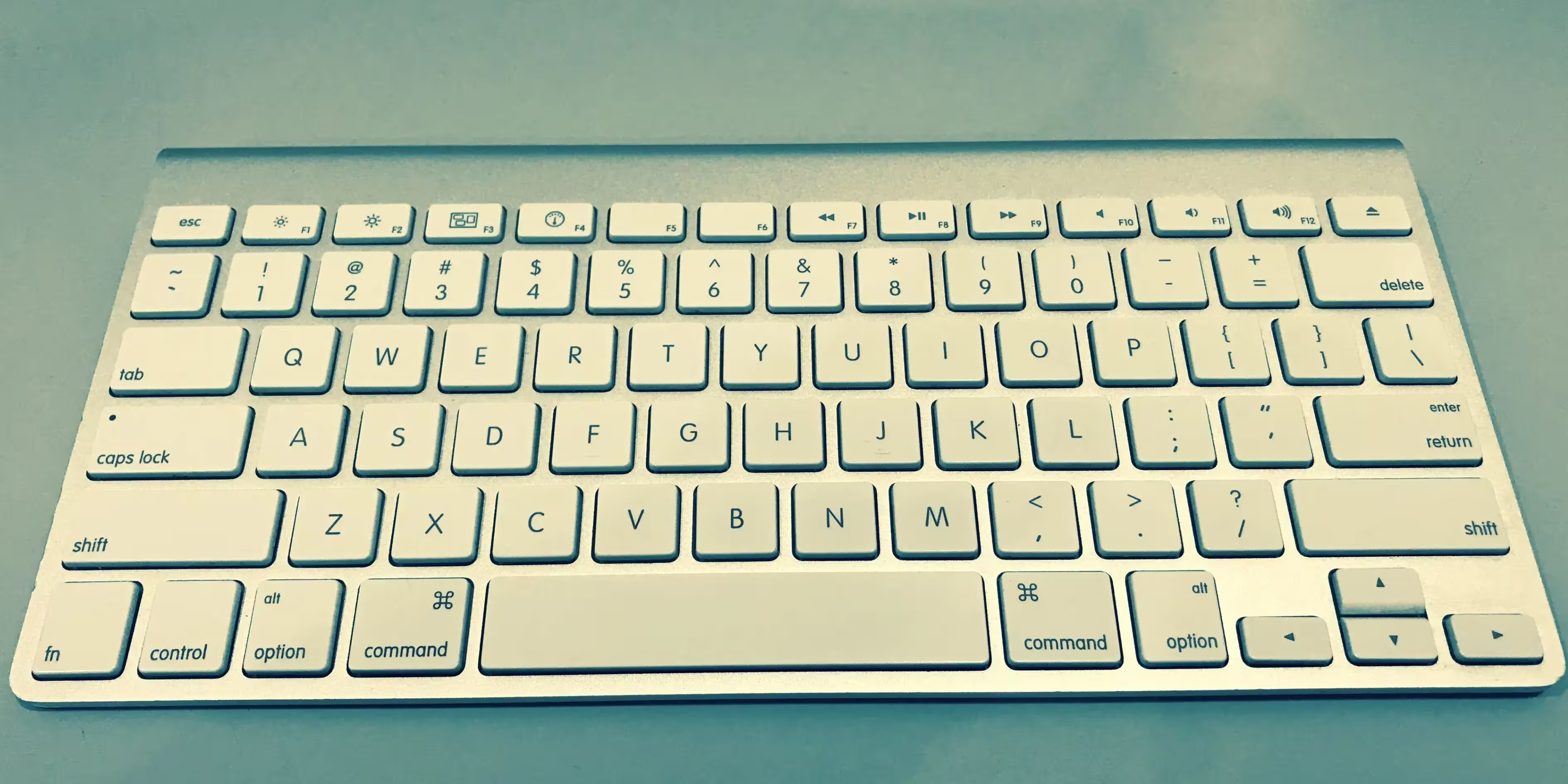
Keychron K6
The best keyboard Keychron K6 is a compact 65% mechanical keyboard designed for portability and versatility. With a focus on functionality and customization, it appeals to gamers, professionals, and enthusiasts alike. Below, we explore the advantages and disadvantages of the Keychron K6 in detail.
Advantages of Keychron K6
- Compact and Portable Design
- Wireless and Wired Connectivity
- Hot-Swappable Option
- Wide Range of Switch Options
- RGB Backlighting
- Long Battery Life
- Cross-Platform Compatibility
- Durable Build Quality
- Affordable Price
Compact and Portable Design
The Keychron K6 features a 65% layout that saves desk space while retaining essential keys like arrow keys and navigation buttons. Its lightweight and compact design make it ideal for users with limited workspace or those who frequently travel.
Wireless and Wired Connectivity
The keyboard offers connectivity through both Bluetooth and a USB-C wired option. It can pair with up to three devices via Bluetooth, allowing seamless switching between laptops, tablets, and smartphones.
Hot-Swappable Option
The Best keyboard K6 is available in a hot-swappable version, enabling users to replace switches without soldering. This feature is perfect for enthusiasts who enjoy experimenting with different switch types.
Wide Range of Switch Options
The keyboard is available with Gateron mechanical switches in Red, Blue, or Brown, catering to a variety of typing preferences. It also supports a hot-swappable version for additional customization.
RGB Backlighting
The Best keyboard K6 features customizable RGB lighting with multiple effects and brightness levels. Users can tailor the lighting to match their setup or personal style.
Long Battery Life
Equipped with a 4000mAh battery, the K6 offers impressive battery life, lasting up to 72 hours of typing with the backlight on and even longer with it off.
Cross-Platform Compatibility
The keyboard includes keycaps for both macOS and Windows, ensuring compatibility with a wide range of devices. It’s a great choice for users who switch between platforms.
Durable Build Quality
The aluminum frame option adds to the keyboard’s durability and gives it a premium feel. The overall build quality ensures longevity, even with heavy use.
Affordable Price
The K6 offers excellent value for money, delivering premium features at a reasonable price compared to similar keyboards in its category.
Disadvantages of Keychron K6
- Steeper Learning Curve
- Slightly High Profile
- Limited Customization
- Bluetooth Latency
- ABS Keycaps
- Bulkier than Competitors
- No USB Passthrough
- Conclusion
Steeper Learning Curve
The 65% layout may require an adjustment period for users transitioning from a full-sized keyboard. The lack of a dedicated function row or numeric keypad might be inconvenient for some tasks.
Slightly High Profile
The keyboard has a high profile, which may cause discomfort during long typing sessions without a wrist rest. Users might need to invest in additional accessories for better ergonomics.
Limited Customization
While the keyboard offers switch customizability, it lacks advanced software for key remapping or macro programming. Users seeking deep customization might find this limiting.
Bluetooth Latency
Although the Bluetooth connectivity is stable, it may introduce slight latency compared to wired connections, which could be a concern for competitive gaming.
ABS Keycaps
The stock ABS keycaps are prone to wear and shine over time. Users looking for more durable options might need to invest in aftermarket PBT keycaps.
Bulkier than Competitors
While compact, The Best keyboard K6 is slightly bulkier and heavier than some other 65% keyboards, especially with the aluminum frame version.
No USB Passthrough
The keyboard does not include a USB passthrough port, which might be a drawback for users who frequently connect peripherals.
Conclusion
The Best keyboard Keychron K6 is a well-rounded mechanical keyboard that excels in portability, versatility, and customization. Its compact design, wireless capabilities, and switch options make it a strong contender for users seeking a space-saving yet functional keyboard.
However, its high profile, limited software customization, and Bluetooth latency might not suit everyone. For those looking for a compact keyboard with great build quality and features, the K6 is an excellent choice. Users prioritizing ergonomic features or advanced software may need to explore other options.

Best Logitech Keyboard
The Best keyboard Logitech produces some of the most reliable keyboards in the market. Here are the top Logitech picks:
Logitech MX Mechanical
The best keyboard Logitech MX Mechanical is a premium wireless mechanical keyboard designed for professionals and productivity-focused users. Combining the tactile benefits of mechanical switches with a sleek design and advanced features, it’s tailored for efficient multitasking and comfort. Below, we explore the advantages and disadvantages of the Logitech MX Mechanical keyboard.
Advantages of Logitech MX Mechanical
- Premium Build Quality
- Low-Profile Mechanical Switches
- Smart Illumination
- Multi-Device Connectivity
- Cross-Platform Compatibility
- Logitech Options+ Software Integration
- Quiet Typing Experience
- Long Battery Life
- Slim and Modern Design
- Full-Sized and Compact Options
Premium Build Quality
The Best keyboard MX Mechanical features a sturdy aluminum top plate and high-quality materials that provide durability and a premium feel. Its design ensures reliability for long-term use while maintaining a sleek, professional look.
Low-Profile Mechanical Switches
Equipped with low-profile mechanical switches (Tactile Quiet, Clicky, or Linear), the keyboard delivers the responsiveness of mechanical keys with a slim form factor. The switches are quieter than standard mechanical keyboards, making them suitable for shared or quiet workspaces.
Smart Illumination
The keyboard features auto-adjusting backlighting that reacts to ambient light and hand proximity, saving power while enhancing visibility in low-light conditions. The lighting is subtle and professional, avoiding flashy RGB effects.
Multi-Device Connectivity
The MX Mechanical supports Bluetooth and Logitech’s Bolt USB receiver, allowing users to connect up to three devices simultaneously. Switching between devices is seamless with dedicated buttons.
Cross-Platform Compatibility
Optimized for both Windows and macOS, the keyboard works with a wide range of devices, including iOS, Android, and Linux. It’s an excellent choice for users who operate across multiple platforms.
Logitech Options+ Software Integration
The keyboard integrates with Logitech’s Options+ software, enabling advanced customization, such as key remapping, application-specific profiles, and macros. This enhances productivity for various workflows.
Quiet Typing Experience
The Tactile Quiet switches provide a balanced typing experience with reduced noise, making the keyboard ideal for open offices or home setups.
Long Battery Life
With a rechargeable battery, the MX Mechanical lasts up to 15 days with backlighting on and up to 10 months with the backlight off. It charges via USB-C, ensuring quick and convenient power-ups.
Slim and Modern Design
The low-profile design makes the keyboard ergonomic and aesthetically pleasing. It fits neatly into most workspaces without occupying too much desk space.
Full-Sized and Compact Options
The keyboard is available in both full-sized and compact layouts, catering to different user preferences and workspace requirements.

Disadvantages of Logitech MX Mechanical
- High Price
- No Adjustable Height
- Limited Backlighting Customization
- Non-Hot-Swappable Switches
- Heavier and Less Portable
- No Wrist Rest Included
- Limited Appeal for Gamers
- Conclusion
High Price
As a premium keyboard, the MX Mechanical comes at a higher price point. It may not appeal to budget-conscious users, especially those seeking basic functionality.
No Adjustable Height
The keyboard lacks adjustable feet for height adjustment. While the low-profile design is comfortable for most users, those requiring specific ergonomic angles may find this limiting.
Limited Backlighting Customization
While the keyboard includes smart backlighting, it lacks full RGB lighting or extensive customization options. Users seeking vibrant lighting effects might find it underwhelming.
Non-Hot-Swappable Switches
The low-profile mechanical switches are not hot-swappable, limiting customization for users who want to experiment with or replace switches.
Heavier and Less Portable
The solid construction adds weight, making the MX Mechanical less portable than some lightweight alternatives. It’s best suited for stationary setups.
No Wrist Rest Included
The Best keyboard does not come with a wrist rest, which might lead to discomfort during prolonged typing sessions. Users may need to purchase a separate wrist rest for better ergonomics.
Limited Appeal for Gamers
The keyboard is designed for productivity, not gaming. It lacks features like N-key rollover, high polling rates, and customizable macros that are essential for gaming.
Conclusion
The Logitech MX Mechanical is an exceptional keyboard for professionals seeking a sleek, responsive, and versatile mechanical keyboard. Its low-profile design, multi-device connectivity, and advanced customization make it an excellent tool for productivity-focused users.
However, its high price, lack of adjustable height, and limited appeal for gamers might deter some users. For those prioritizing a premium typing experience and advanced features for multitasking, the MX Mechanical is a top contender. Users seeking affordability, portability, or gaming features may need to explore alternative options.
Logitech G Pro X TKL
The best keyboard Logitech G Pro X TKL is a versatile and compact mechanical gaming keyboard designed for esports professionals and enthusiasts. With its hot-swappable switches and robust features, it offers excellent customization and performance for competitive gaming. Below, we explore the advantages and disadvantages of the Logitech G Pro X.
Advantages of Logitech G Pro X TKL
- Hot-Swappable Switches
- Compact Tenkeyless (TKL) Design
- Customizable RGB Lighting
- Durable Build Quality
- Advanced Gaming Features
- Logitech G HUB Software Integration
- Detachable USB-C Cable
- Wide Switch Options
- Designed for Esports
Hot-Swappable Switches
One of the standout features of the G Pro X is its hot-swappable switches, allowing users to replace or customize switches without soldering. This makes it easy to tailor the typing and gaming experience to personal preferences.
Compact Tenkeyless (TKL) Design
The TKL layout removes the number pad, making the keyboard more portable and providing extra space for mouse movement. This design is ideal for gamers with limited desk space or those who travel frequently.
Customizable RGB Lighting
The G Pro X features per-key RGB lighting powered by Logitech’s LIGHTSYNC technology. Users can create dynamic lighting effects or sync the lighting with other Logitech devices for a cohesive look.
Durable Build Quality
The keyboard is built with a sturdy plastic frame and high-quality components, ensuring durability for heavy use. Its detachable cable also adds to its longevity and portability.
Advanced Gaming Features
With features like N-key rollover and anti-ghosting, the G Pro X ensures that every keypress is registered accurately, even during intense gaming sessions. It’s optimized for competitive play.
Logitech G HUB Software Integration
Logitech’s G HUB software provides advanced customization options, including key remapping, lighting effects, and profile creation. It’s user-friendly and enhances the keyboard’s functionality.
Detachable USB-C Cable
The detachable USB-C cable enhances portability and reduces wear and tear during transport. It also makes cable replacement straightforward if needed.
Wide Switch Options
The keyboard supports three Logitech GX switch types: GX Blue (clicky), GX Brown (tactile), and GX Red (linear). This variety allows users to choose the feel and sound that best suits their needs.
Designed for Esports
The G Pro X is designed with input from esports professionals, ensuring it meets the demands of high-stakes competitive gaming.

Disadvantages of Logitech G Pro X TKL
- High Price Point
- No Dedicated Media Keys
- Lack of Wrist Rest
- Compact Layout Learning Curve
- Non-PBT Keycaps
- Limited Appeal for Non-Gamers
- Slightly Loud Key Switches
- Conclusion
High Price Point
As a premium gaming keyboard, the G Pro X is priced higher than many alternatives. The additional cost for hot-swappable functionality may not appeal to budget-conscious buyers.
No Dedicated Media Keys
The keyboard lacks dedicated media controls, which may be inconvenient for users who frequently adjust volume or playback during gaming or work.
Lack of Wrist Rest
The G Pro X does not include a wrist rest, which might lead to discomfort during prolonged gaming sessions. Users may need to purchase one separately.
Compact Layout Learning Curve
While the TKL design is great for portability, users accustomed to full-sized keyboards may need time to adjust to the lack of a number pad and additional keys.
Non-PBT Keycaps
The included ABS keycaps are prone to wear and shine over time. Upgrading to PBT keycaps would improve durability and maintain a premium feel.
Limited Appeal for Non-Gamers
The G Pro X is heavily focused on gaming features, which may not appeal to professionals or users looking for a productivity-oriented keyboard.
Slightly Loud Key Switches
Depending on the chosen switch type, the keyboard can be loud, especially with the GX Blue clicky switches, making it less suitable for shared or quiet environments.
Conclusion
The Logitech G Pro X is a powerful and customizable gaming keyboard that excels in esports and competitive gaming scenarios. Its hot-swappable switches, compact design, and advanced features make it a favorite among gamers seeking precision and flexibility.
However, its high price, lack of ergonomic features, and focus on gaming may not suit all users. For competitive gamers and enthusiasts who value customization and portability, the G Pro X is an excellent choice. Those needing a full-sized keyboard or more productivity-oriented features may want to explore other options.
Best Razer Keyboard
Razer keyboards are designed for gamers and tech enthusiasts. Here are the best ones:
Razer Huntsman Elite
The Razer Huntsman Elite is a premium mechanical gaming keyboard known for its cutting-edge optical switches, vibrant RGB lighting, and robust build quality. Designed for gamers and professionals seeking a responsive and feature-rich keyboard, it delivers top-tier performance with a sleek aesthetic. Below, we explore the advantages and disadvantages of the Razer Huntsman Elite.
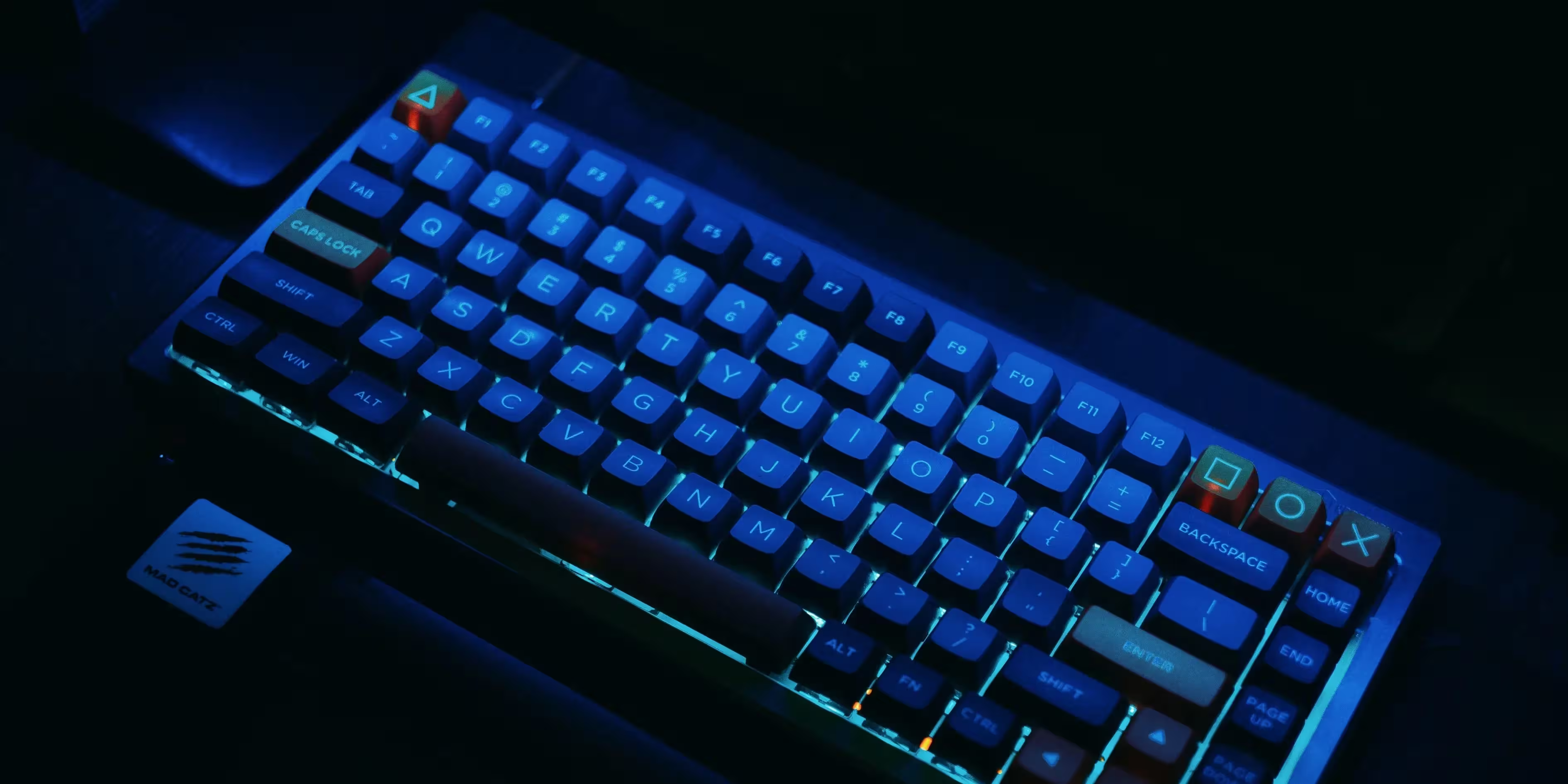
Advantages of Razer Huntsman Elite
- Razer Optical Switches
- Customizable RGB Lighting
- Durable Build Quality
- Detachable Magnetic Wrist Rest
- Dedicated Media Controls
- Advanced Gaming Features
- High Durability
- Comprehensive Software Integration
Razer Optical Switches
The Huntsman Elite is equipped with Razer’s proprietary optical switches, offering lightning-fast actuation speeds. These switches use light-based technology for precise and responsive keystrokes, making them ideal for competitive gaming.
Customizable RGB Lighting
The Best keyboard features per-key Razer Chroma RGB lighting with millions of colors and dynamic effects. Additionally, the underglow lighting around the keyboard and wrist rest enhances its visual appeal.
Durable Build Quality
The keyboard’s aircraft-grade aluminum top plate ensures durability and a premium feel. It’s designed to withstand long-term use without compromising performance.
Detachable Magnetic Wrist Rest
The plush leatherette wrist rest provides excellent support during long gaming or typing sessions. Its magnetic attachment ensures stability, and it includes its own customizable RGB lighting.
Dedicated Media Controls
The Huntsman Elite includes dedicated media keys and a multi-functional digital dial for easy volume adjustments and playback control, enhancing user convenience.
Advanced Gaming Features
The best keyboard offers full N-key rollover and anti-ghosting, ensuring every keystroke is registered accurately. Razer’s Hypershift feature allows users to assign secondary functions to keys, expanding customization options.
High Durability
Razer’s optical switches are rated for up to 100 million keystrokes, significantly outlasting traditional mechanical switches.
Comprehensive Software Integration
With Razer Synapse, users can customize lighting, remap keys, and create macros. The software is intuitive and enhances the keyboard’s overall functionality.

Disadvantages of Razer Huntsman Elite
- High Price Point
- Loud Typing Noise
- Non-Hot-Swappable Switches
- Fixed Layout
- Software Dependence
- High Price Point
- No Wireless Option
- Conclusion
High Price Point
The Huntsman Elite is a premium product with a price to match. Its cost may deter budget-conscious buyers or those seeking basic functionality.
Loud Typing Noise
The Clicky Optical Switches, while satisfying for many, can produce loud typing sounds, which may not be suitable for shared spaces or quiet environments.
Non-Hot-Swappable Switches
The optical switches are not hot-swappable, limiting customization for users who want to experiment with or replace switches.
Fixed Layout
The keyboard’s full-sized layout, while functional, lacks the compactness desired by some users who prefer TKL or 60% designs for portability and desk space.
Software Dependence
While Razer Synapse offers excellent customization, accessing the keyboard’s full potential requires the software, which might be a drawback for those preferring standalone functionality.
No Wireless Option
The Huntsman Elite is wired-only, which may not suit users seeking a clutter-free or wireless setup.
Conclusion
The Razer Huntsman Elite is a high-performance gaming keyboard that excels in speed, durability, and customization. Its optical switches, vibrant lighting, and robust build make it an excellent choice for competitive gamers and enthusiasts.
However, its high price, loud switches, and wired-only design might not appeal to everyone. For those seeking a premium, feature-rich keyboard for gaming and productivity, the Huntsman Elite is a top-tier option. Users on a budget or looking for a quieter, more portable keyboard may need to consider alternatives.
Razer Ornata V3
The best keyboard Razer Ornata V3 is a hybrid keyboard that combines mecha-membrane switches, sleek design, and gaming-centric features. Designed for gamers seeking a balance between comfort, performance, and affordability, it offers a unique typing experience. Below, we explore the advantages and disadvantages of the Razer Ornata V3 in detail.
Advantages of Razer Ornata V3
- Mecha-Membrane Switches
- Slim and Low-Profile Design
- RGB Lighting with Razer Chroma
- Durable Spill-Resistant Build
- Comfortable Wrist Rest
- Quiet Typing
- Affordable Price
Mecha-Membrane Switches
The Ornata V3 features Razer’s mecha-membrane switches, which combine the tactile feedback of mechanical switches with the soft cushioning of membrane switches. This provides a comfortable and responsive typing experience, ideal for gaming and casual typing.
Slim and Low-Profile Design
The keyboard’s low-profile keycaps and slim design improve ergonomics and aesthetics. This makes it more comfortable for long gaming sessions and fits seamlessly into modern setups.
RGB Lighting with Razer Chroma
Equipped with per-key RGB lighting, the Ornata V3 supports millions of colors and dynamic effects through Razer Chroma. Users can customize lighting to sync with other Razer peripherals or games.
Durable Spill-Resistant Build
The keyboard is built with durable materials and a spill-resistant design, adding an extra layer of protection against accidental spills, making it suitable for everyday use.
Comfortable Wrist Rest
The detachable wrist rest offers additional support for the wrists during prolonged use. Its soft-touch finish enhances comfort and reduces strain during intense gaming or typing sessions.
Quiet Typing
The mecha-membrane switches produce a quieter sound compared to traditional mechanical keyboards, making it suitable for shared or quieter environments.
Affordable Price
Compared to premium mechanical keyboards, the Ornata V3 offers many features at a more budget-friendly price, appealing to gamers seeking value without sacrificing quality.
Disadvantages of Razer Ornata V3
- Limited Customization
- No Dedicated Media Keys
- Membrane-Like Feel
- Fixed Layout
- Software Dependency
- Shorter Lifespan
- Non-Wireless
- Conclusion
Limited Customization
The keyboard lacks hot-swappable switches, restricting users who want to customize or replace individual switches.
No Dedicated Media Keys
While it includes function-based media controls, the absence of dedicated media keys may be less convenient for users who frequently adjust volume or playback.
Membrane-Like Feel
Despite its hybrid design, the typing experience leans more toward membrane keyboards. Enthusiasts who prefer the distinct feel of mechanical switches may find it lacking.
Fixed Layout
The keyboard is only available in a full-size layout, which might be too large for users with limited desk space or those who prefer compact designs like TKL or 60%.
Software Dependency
Customizing lighting and macros requires Razer Synapse software. While the software is feature-rich, users seeking standalone functionality might find this dependency inconvenient.
Shorter Lifespan
The mecha-membrane switches have a shorter lifespan compared to pure mechanical switches, potentially impacting long-term durability for heavy users.
Non-Wireless
The Ornata V3 is wired-only, which may not appeal to users seeking a cleaner, cable-free setup.
Conclusion
The best keyboard Razer Ornata V3 strikes a balance between comfort, performance, and affordability. Its mecha-membrane switches, RGB lighting, and ergonomic design make it a great choice for casual gamers and users looking for a hybrid typing experience.
However, its membrane-like feel, software dependency, and wired-only design may not suit everyone. For those seeking a budget-friendly gaming keyboard with unique features, the Ornata V3 is a solid option. Enthusiasts desiring a pure mechanical experience or advanced customization might consider other alternatives.
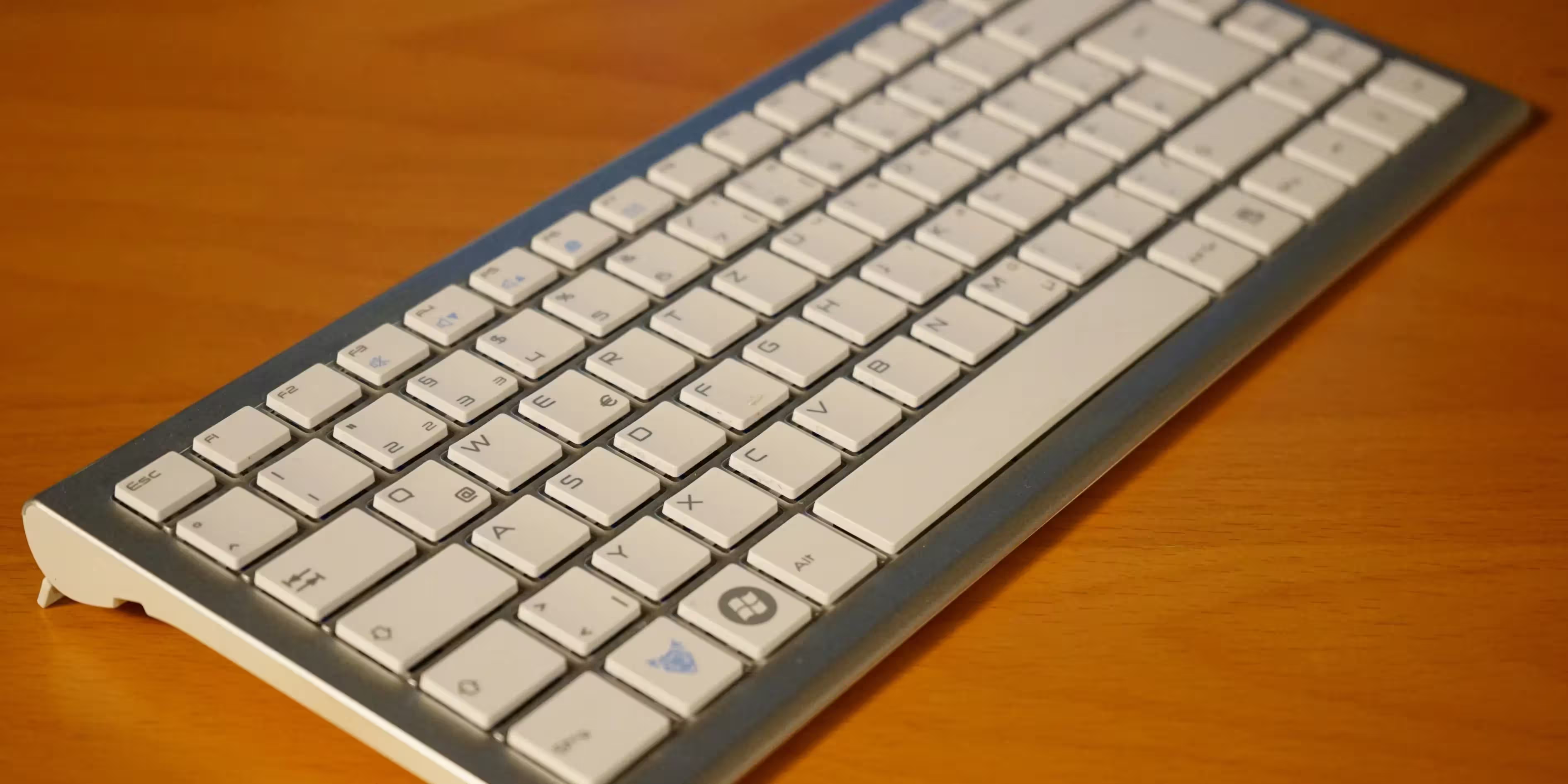
Comparison of Keyboards
The best keyboard, when choosing a keyboard, it’s essential to consider factors like price, features, and intended use:
| Category | Best Option | Price Range | Key Features |
|---|---|---|---|
| Mechanical Keyboard | SteelSeries Apex Pro | $199.99 | Adjustable switches, RGB |
| Wireless Gaming | Razer BlackWidow V3 Pro | $262.42 | Low latency, mechanical switches |
| Ergonomic | Logitech Ergo K860 | $129.99 | Wrist rest, curved design |
| iPad Keyboard | Apple Magic Keyboard | $99.00 | Premium build, seamless pairing |
| Coding | Das Keyboard 4 Professional | $179.00 | Tactile switches, media controls |
| Compact Gaming | Logitech G Pro X | $149.99 | Hot-swappable switches, TKL design |
| Portable Keyboard | Keychron K6 | $74.00 | Compact, wireless/wired options, RGB |
| Stylish Productivity | Logitech MX Mechanical | $139.99 – $169.99 | Low-profile switches, multi-device connectivity |
| Hybrid Typing | Razer Ornata V3 | $59.99 | Mecha-membrane switches, RGB lighting |
| Tablet Keyboard | Logitech Folio Touch | $159.99 | Integrated trackpad, adjustable kickstand |
| Budget Wireless | iClever BK10 | $35.99 | Multi-device, slim design |
| Versatile Typing | Gboard | Free | Google integration, multilingual support |
| Compact Productivity | Logitech K380 | $69.98 | Multi-device pairing, portable design |
| High-End Gaming | Razer Huntsman Elite | $199.99 | Optical switches, RGB underglow |
| Minimalist Mac Option | Apple Magic Keyboard with Touch ID | $149.00 | Touch ID, seamless macOS integration |
| Stylish Multitasking | Satechi Slim X2 | $79.99 | Full-sized, multi-device support, backlit keys |
| Compact Ergonomics | Kinesis Advantage2 | $369.00 | Split design, programmable keys |
This table provides a quick overview to help identify the keyboard best suited to your specific needs, Whether it’s for gaming, productivity, or daily tasks, this keyboard meets diverse needs.
Conclusion
Choosing the right keyboard is crucial for enhancing productivity, comfort, and overall user experience. Whether you’re a gamer seeking precision, a professional aiming for ergonomic support, or someone who simply needs a reliable keyboard for everyday use, the options in this comparison cover a wide range of needs and budgets. From the feature-rich SteelSeries Apex Pro for mechanical keyboard enthusiasts to the ergonomic Logitech Ergo K860 for professionals, there’s something for everyone.
Each keyboard offers unique features tailored to specific uses, ensuring you can find the perfect fit for your requirements. If you’re looking for portability, the Keychron K6 or Logitech K380 might be ideal. Gamers can turn to the Razer BlackWidow V3 Pro or Logitech G Pro X, while productivity-focused users may prefer the Apple Magic Keyboard with Touch ID or Satechi Slim X2.
We’d Love to Hear From You!
The Best keyboard Have you tried any of these keyboards? Which one suits your needs best? Share your experiences and let us know your thoughts in the comments section below. Your feedback not only helps others make informed decisions but also contributes to building a community of tech enthusiasts.
Feel free to share this post with your friends and colleagues who might be looking for their next keyboard! Visit pisiup.com for more detailed reviews, comparisons, and the latest updates in tech.