

A simple driver update can boost your CPU performance by up to 16%. AMD’s 3D V-Cache Performance Optimizer Driver makes this possible for AMD Ryzen “X3D” processors and EPYC “X” series chips.
The performance optimizer started as a Windows 10 exclusive for the Ryzen 7 5800X3D and now supports processors of all types. AMD’s 3D V-Cache technology works exceptionally well with cache-sensitive applications and delivers impressive speed improvements in workloads of all sizes.
AMD has confirmed they’re working on 3D V-Cache-enabled Ryzen 9000 processors. This optimization driver is a vital tool to tap into the full potential of these systems. Let me show you how this technology works and help you get the most out of it.
[ez-toc]Understanding AMD 3D V-Cache Technology
Cache memory is a vital component in modern processors that acts as a high-speed data bridge between CPU cores and system memory. AMD’s 3D V-Cache technology has changed how this cache system works.
How 3D V-Cache is Different from Traditional Cache
Traditional processors have three cache levels, each with a specific purpose:
- L1: Smallest yet fastest, closest to CPU cores
- L2: Larger but slightly slower than L1
- L3: Largest capacity with relatively slower speeds
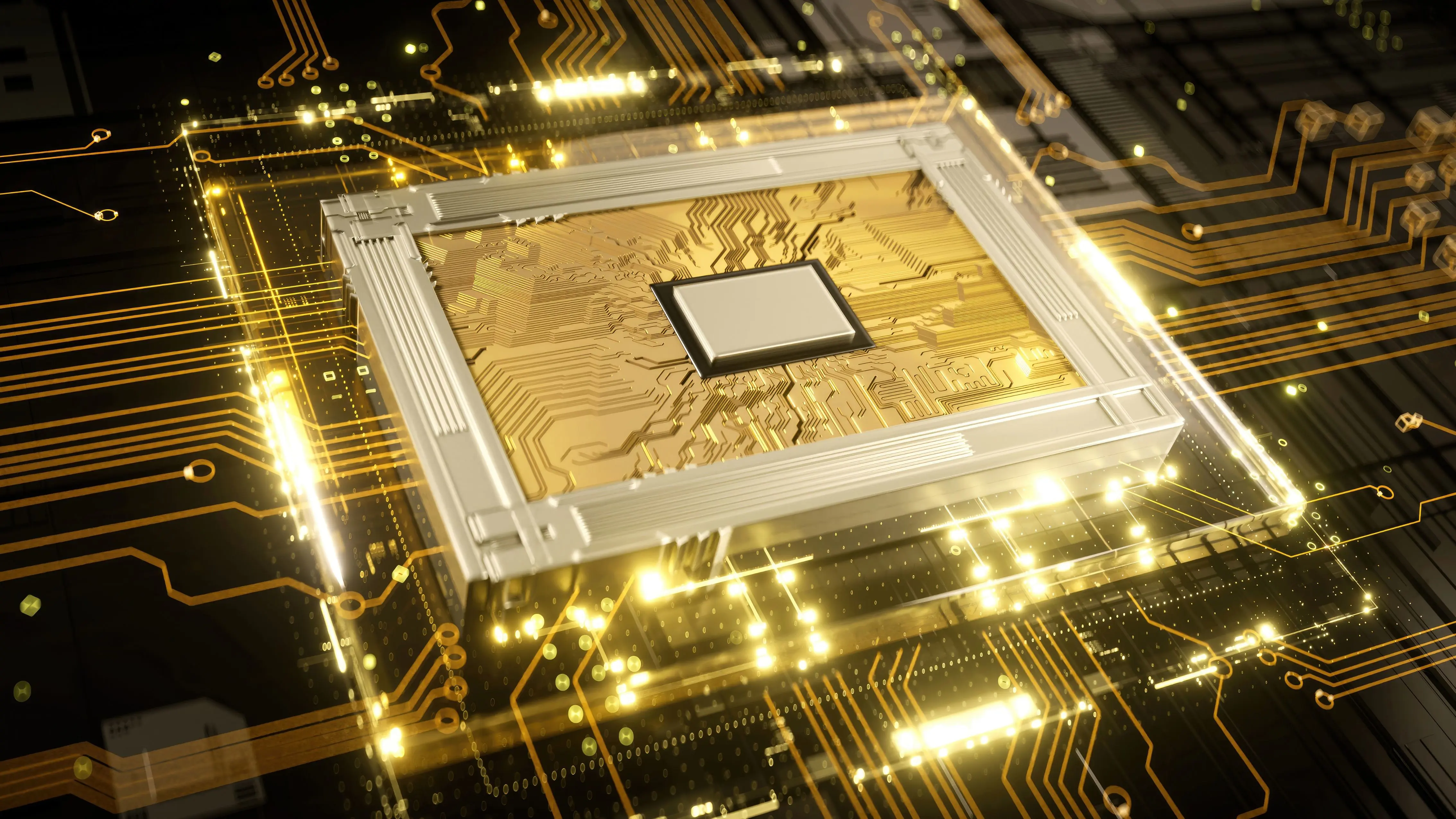
AMD’s 3D V-Cache stacks cache memory vertically by placing extra L3 cache right on top of the processor die. This new design makes 200 times higher interconnect density possible compared to traditional 2D designs.
Benefits of Stacked Cache Architecture
The stacked design delivers major performance improvements. The second-generation 3D V-Cache technology puts cache memory below the processor cores, which brings them closer to the cooling solution. This placement lets the processor run at higher clock speeds while staying cooler.
On top of that, the improved cache system delivers impressive bandwidth improvements that go beyond 2 TB/sec. These changes boost gaming performance by up to 8% on average, with some games seeing double-digit percentage gains.
Supported CPU Models in 2024
The current processor lineup with 3D V-Cache technology has the Ryzen 9 7950X3D, Ryzen 9 7900X3D, and Ryzen 7 7800X3D. The newest model, Ryzen 7 9800X3D, shows off the second-generation V-Cache technology with a base clock speed 500 MHz higher than its predecessor. Mobile processors join the family with the Ryzen 9 7945HX3D that has an impressive 128MB of L3 cache.
How the Performance Optimizer Driver Works
AMD’s 3D V-Cache Performance Optimizer Driver features an easy-to-use interface that manages processor resources based on workload needs. The system works through two key components: a user-mode service and a system-level service.
Core Parking Mechanism Explained
The driver’s strategic core parking system monitors and manages CPU resources. The system detects gaming activity and restricts operations to a single CCX. It parks the second CCX to reduce latency. The parked CCX springs back into action if system usage increases from background tasks.
Memory Management Optimizations
The driver’s memory management system works in two distinct modes:
- Frequency Mode: Prioritizes cores within the faster CCD for high-frequency operations
- Cache Mode: Favors cores with larger L3 cache capacity for memory-intensive tasks
Live Workload Detection System
The system analyzes application behavior to determine if workloads are cache-sensitive or if they just need higher frequency operation. This live detection helps the driver change CPU core reordering to ensure optimal resource allocation for different applications.
The driver shows its strength in gaming scenarios by identifying cache-sensitive applications and directing them to cores within the large L3 cache CCD. Applications that just need higher clock speeds get automatically moved to the faster CCD. This maintains peak performance without manual input.
Setting Up the AMD V-Cache Optimizer
The AMD 3D V-Cache Performance Optimizer needs specific software and BIOS configurations to work at its best. You’ll need to set things up correctly.
Step-by-Step Installation Guide
Your system should be free of running applications, and anti-virus software needs temporary disabling to avoid conflicts. Here’s what you need to do:
- Download the latest AMD Chipset Driver (version 5.02.16.347 or newer) from AMD’s official website
- Log in with administrator rights on your PC
- Double-click the AMD Chipset Software executable file
- Allow the setup files to extract and launch the installer
- Review and accept the license agreement
- Click Install to begin the installation process
The system takes several minutes to complete installation. A restart applies all changes.
BIOS Configuration Requirements
Your system’s optimal V-Cache performance depends on proper BIOS settings that are the foundations of success. The newest BIOS version should come from your motherboard manufacturer’s website. These BIOS settings need your attention:
- Verify processor compatibility in the motherboard CPU support list
- Enable CPPC Dynamic Preferred Cores and set it to “Driver” mode
- Keep power mode settings at default values for best results
- Maintain default memory timing configurations unless using EXPO profiles
All the same, performance problems might need a Device Manager check to confirm two AMD V-Cache services are running. The first boot might take 2-3 minutes while your system performs memory training and background tasks.
Measuring Performance Improvements
Tests show major performance gains in many applications with the AMD 3D V-Cache Performance Optimizer Driver. Let’s get into the actual improvements in different workload scenarios.
Gaming FPS Boost Analysis
The optimizer driver enables remarkable frame rate improvements in games. Gears of War 5 runs at 12% higher FPS. Other popular titles show these gains:
- DOTA2 (Vulkan): 18% increase
- Monster Hunter World: 25% boost
- Fortnite: 17% improvement
- League of Legends: 4% improvement
Productivity Workload Benefits
Professional applications run much faster with these improvements. Electronic Design Automation (EDA) workflows show a 66% increase in simulation throughput. The Synopsys VCS verification flows run 28% faster with the 32-core EPYC 9384X processor.
Temperature and Power Impact
The optimizer driver’s thermal management capabilities stand out. Smart workload distribution helps maintain ideal temperatures even with better performance. The second-generation V-Cache design puts cache memory under processor cores. This allows direct access to cooling solutions.
Power efficiency numbers look great too. The Ryzen 9 7950X3D uses 35% less power than its non-V-Cache version. Users get both high performance and efficiency without compromise.
Real-life results prove the optimizer driver’s value in professional settings. STMicroelectronics, Europe’s largest semiconductor firm, saw a 12% performance increase in their EDA and computer-aided design workloads. ANSYS Fluent users finish projects 2.1x faster compared to other solutions.

Conclusion
AMD’s 3D V-Cache Performance Optimizer Driver represents a breakthrough in CPU optimization technology. This solution delivers significant performance improvements in a variety of applications through innovative cache stacking and smart workload management.
Test results show the technology’s effectiveness with up to 25% higher gaming frame rates and 66% faster professional workloads. The second-generation design places cache components strategically to manage heat better while keeping performance at its peak.
The driver combines smart core parking with up-to-the-minute workload detection to allocate resources efficiently without any user input. Gamers benefit the most from this automatic optimization because cache-sensitive applications get dedicated resources to maximize performance.
The Ryzen 9 7950X3D shows remarkable efficiency by using 35% less power than its regular version. Simple installation steps and BIOS setup requirements make this optimizer valuable for AMD X3D processor owners who want the best from their systems.
AMD’s dedication to developing new 3D V-Cache processors points to continued evolution of this technology, which should bring even better performance improvements for future computing needs.
FAQs
Q1. What is AMD’s 3D V-Cache technology and how does it improve CPU performance?
AMD’s 3D V-Cache technology is an innovative cache system that vertically stacks additional L3 cache on top of the processor die. This design can boost CPU performance by up to 15% by providing faster access to data and reducing latency in cache-sensitive applications.
Q2. Which AMD processors currently support 3D V-Cache technology?
As of 2024, AMD processors featuring 3D V-Cache technology include the Ryzen 9 7950X3D, Ryzen 9 7900X3D, Ryzen 7 7800X3D, and the latest addition, Ryzen 7 9800X3D. In the mobile segment, the Ryzen 9 7945HX3D also incorporates this technology.
Q3. How does the AMD 3D V-Cache Performance Optimizer Driver work?
The optimizer driver uses intelligent workload detection and core parking mechanisms to dynamically manage processor resources. It redirects cache-sensitive applications to cores with larger L3 cache and shifts high-frequency tasks to faster cores, optimizing performance based on real-time application needs.
Q4. What kind of performance improvements can users expect with 3D V-Cache technology?
Users can experience significant performance gains, particularly in gaming. Some games show up to 25% higher frame rates, while productivity applications like Electronic Design Automation workflows can see up to 66% improvement in simulation throughput.
Q5. Does the 3D V-Cache technology affect power consumption and temperature?
Despite the performance boost, 3D V-Cache technology actually improves power efficiency. For example, the Ryzen 9 7950X3D consumes 35% less power than its non-V-Cache counterpart while maintaining optimal temperatures through intelligent workload distribution and improved thermal management.