
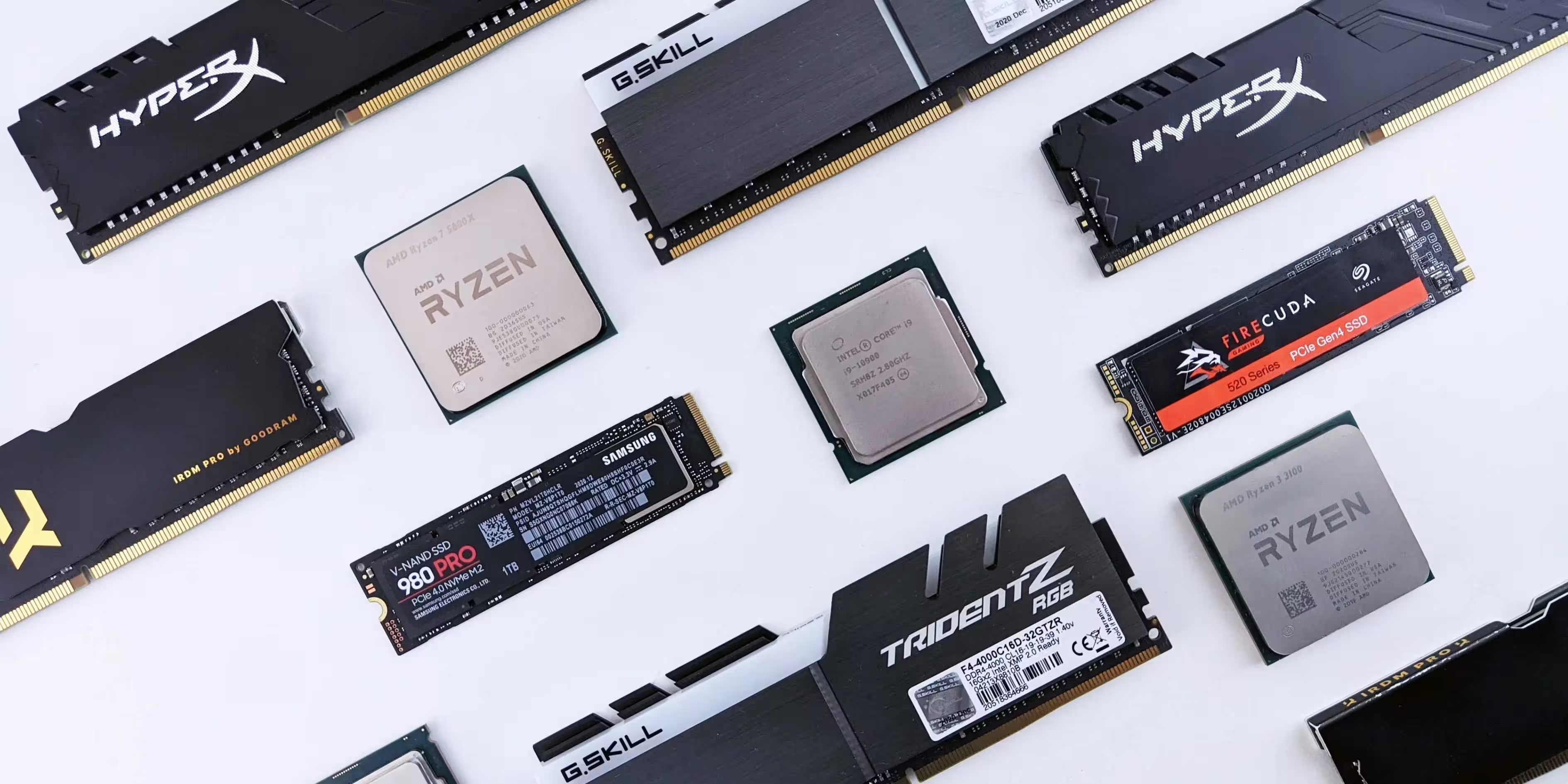
What is RAM? Random Access Memory, commonly known as RAM, is an essential component that greatly impacts a computer’s speed and performance. Often compared to a computer’s “short-term memory,” RAM temporarily stores data that the processor uses to perform tasks. For users wondering what RAM is used for or how it enhances computing efficiency, understanding RAM’s role can help you make smarter choices when upgrading or configuring a device. From understanding what RAM is on a computer to differentiating between types like DDR4 vs. DDR5 RAM, this guide will cover everything you need to know to optimize your setup and ensure compatibility.
What is RAM on a Computer?
What is RAM on a computer? At its core, RAM (Random Access Memory) is a type of volatile memory. Unlike storage devices such as SSDs or hard drives, which keep data long-term, RAM is temporary, storing data only while the computer is powered on. When you load applications, open files, or run system processes, RAM provides the quick access that your CPU needs to manage these tasks efficiently. It’s the reason why a device with higher RAM can multitask more effectively and experience fewer slowdowns when running multiple programs.
RAM memory also works differently on laptops and desktops, though the fundamental principles remain the same. For laptop users, understanding what is RAM on a laptop helps in choosing the right type and capacity for better performance in a compact form.
Why RAM Matters?
RAM’s importance lies in its ability to quickly access data, unlike the slower hard drives or even SSDs. With sufficient RAM, programs and files load faster, gaming performance improves, and multitasking becomes more seamless. In fact, upgrading your RAM can often be the simplest and most affordable way to boost overall system performance, especially in devices that support such upgrades.
What is RAM Used For?
When people ask what RAM is used for, the answer often revolves around speeding up the user experience. In a computer, RAM is used to hold data that’s actively needed for operations, such as:
- Running applications and programs
- Switching between multiple tasks
- Loading large files and databases
- Supporting browser tabs and streaming videos
High-demand applications like video editing software, graphic design tools, and games require substantial RAM to function smoothly. This is because such software accesses large files and performs complex calculations that rely on the quick access provided by RAM.
Practical Benefits of RAM
RAM’s role in enhancing system efficiency means users enjoy faster response times. If you work with heavy software or multiple tabs, more RAM enables smoother transitions between tasks. This is especially true for professionals and gamers who rely on their devices to handle resource-intensive applications.
How to Know What RAM is Compatible with My PC?
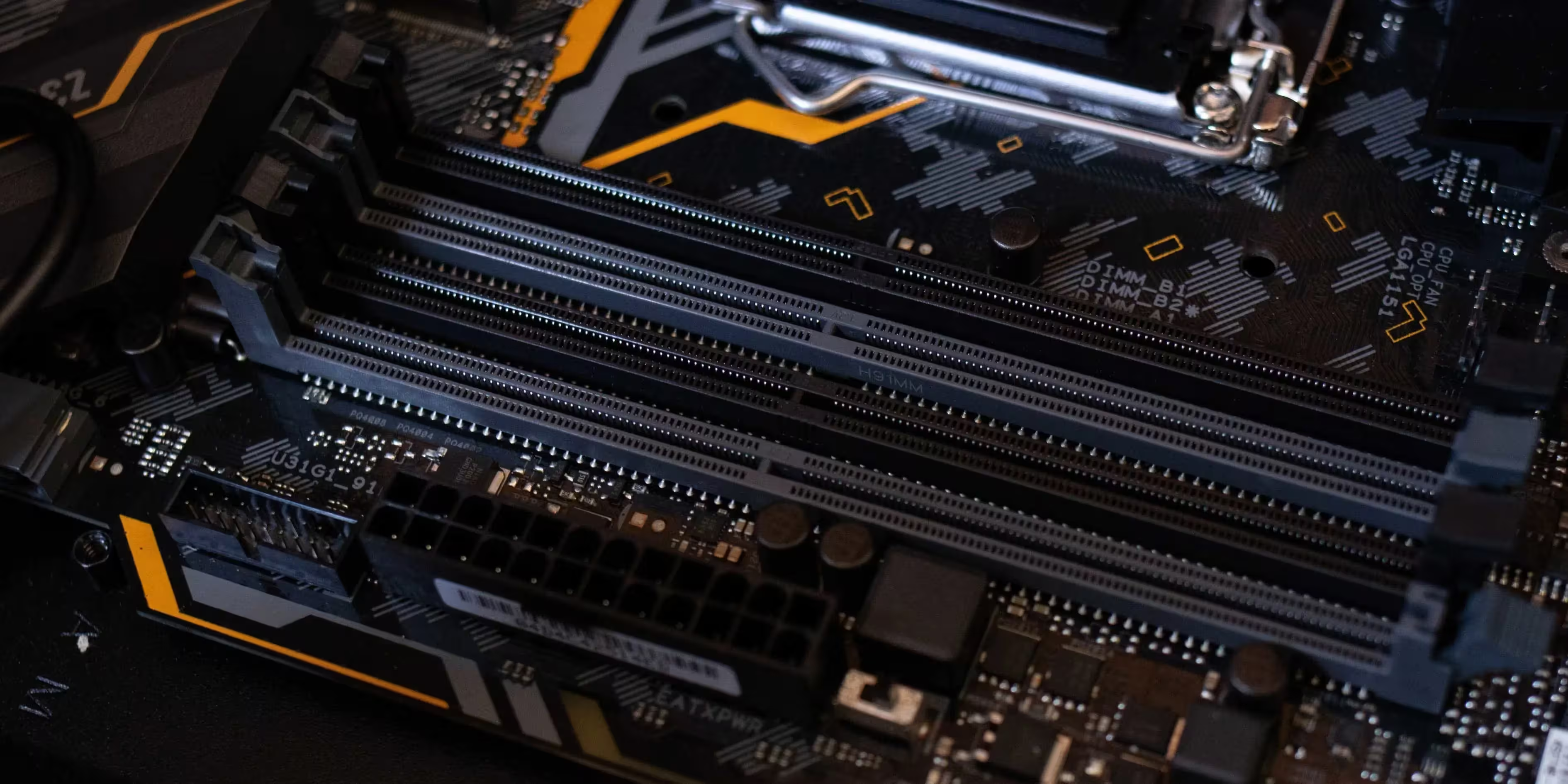
When upgrading, it’s crucial to know how to find compatible RAM for your system. Compatibility depends on several factors:
- Motherboard Specifications – Check whether your motherboard supports DDR4 or DDR5 RAM, as they are not interchangeable.
- Maximum Capacity – Each device has a limit on the amount of RAM it can support.
- Clock Speed and Latency – The speed of RAM affects data transfer rates. Match the speed to your motherboard’s capability.
Most manufacturers provide compatibility details in the device’s manual or on their website. Software tools like CPU-Z can also help identify your current RAM specifications and what types your system can accommodate.
Choosing the Right RAM
Selecting the right RAM isn’t just about capacity; the type (e.g., DDR4 or DDR5) and speed matter too. For general use, DDR4 RAM is often sufficient, while DDR5 is more suited to high-performance tasks. Identifying what you need based on usage will ensure you’re getting the best value and performance.
DDR4 vs DDR5 RAM
The debate between DDR4 vs DDR5 RAM centers on speed, efficiency, and compatibility. DDR4, introduced in 2014, has been widely adopted in mainstream computers due to its reliability and affordability. However, DDR5 RAM is the latest evolution, offering increased bandwidth, higher clock speeds, and better energy efficiency, making it ideal for power users and professionals.
| Feature | DDR4 RAM | DDR5 RAM |
|---|---|---|
| Clock Speed | Up to 3200 MHz | Up to 8400 MHz |
| Voltage | 1.2V | 1.1V |
| Bandwidth | Lower | Higher |
| Compatibility | Broad | Limited |
For most users, DDR4 provides more than enough performance, while gamers and creators working with large files may benefit from upgrading to DDR5.
Advantages of DDR5 RAM
- Increased Speed – DDR5 has higher data transfer rates, allowing faster processing.
- Energy Efficiency – Consumes less power, making it ideal for prolonged use in performance setups.
- Future-Proofing – As more devices become DDR5-compatible, investing in DDR5 now can keep your device relevant longer.
What is DDR4 RAM?
DDR4 RAM remains a popular choice due to its balance of affordability and performance. First introduced to improve upon DDR3, DDR4 brought higher speeds and lower power consumption, making it ideal for most standard computing needs.
Key Features of DDR4 RAM
- High Bandwidth – Efficient for tasks such as browsing, document editing, and casual gaming.
- Widely Compatible – Works with most motherboards and processors released in the past decade.
- Affordable and Accessible – More budget-friendly compared to DDR5, making it suitable for a wide audience.
For general usage, DDR4 delivers reliable performance without the premium price of DDR5, and it’s widely available in various capacities.
Practical Tips for Optimizing RAM
Here are a few practical steps to help you make the most out of your RAM:
- Close Unnecessary Background Applications – Free up RAM by disabling background applications that consume memory.
- Upgrade Incrementally – If you have 4GB, upgrading to 8GB or 16GB can make a noticeable difference.
- Match RAM Modules – For optimal performance, ensure RAM sticks have matching speeds and capacities.
Using tools like Task Manager or Activity Monitor can help you monitor RAM usage and manage your computer’s resources effectively.